Cloudflare now filters logs with SQL before exporting them
Summary
Filtering, redaction and field renaming that used to need a processing service in front of the log destination now fit inside the Logpush job, on self-serve plans as well as Enterprise. Export, ingest and storage costs fall with the record count.
For crawler logs, filter on paths and status codes rather than user agents, and keep client IPs whole in at least one job.
Cloudflare’s Logpush, the service that exports Cloudflare logs to storage, analytics and security tools, now applies a SQL query to each batch of records before shipping them anywhere. Cloudflare’s post on Logpush Transformers describes the mechanism: a Transformer is a SQL query written against one Logpush dataset, records that fail its WHERE clause are removed, and the output of the SELECT becomes the exported record. Transformers went generally available during Birthday Week, in the same set of changes that opened Logpush to all self-serve plans.
Cloudflare’s post puts the case for filtering this early as cost. Teams pay to export, ingest and store records they discard as soon as they arrive, and the usual alternative is a separate processing service to deploy, scale and maintain in front of the destination. A Transformer removes that tier.
The post’s worked example reshapes an HTTP request log for a team normalizing records across several CDNs. It renames fields, nests host and path under a single request object with named_struct, and stamps every row with a static provider value. It masks the client IP with regexp_replace, so 203.0.113.42 leaves as 203.0.XXX.XXX. Its WHERE clause excludes two internal hostnames and any path beginning /healthz or /metrics.
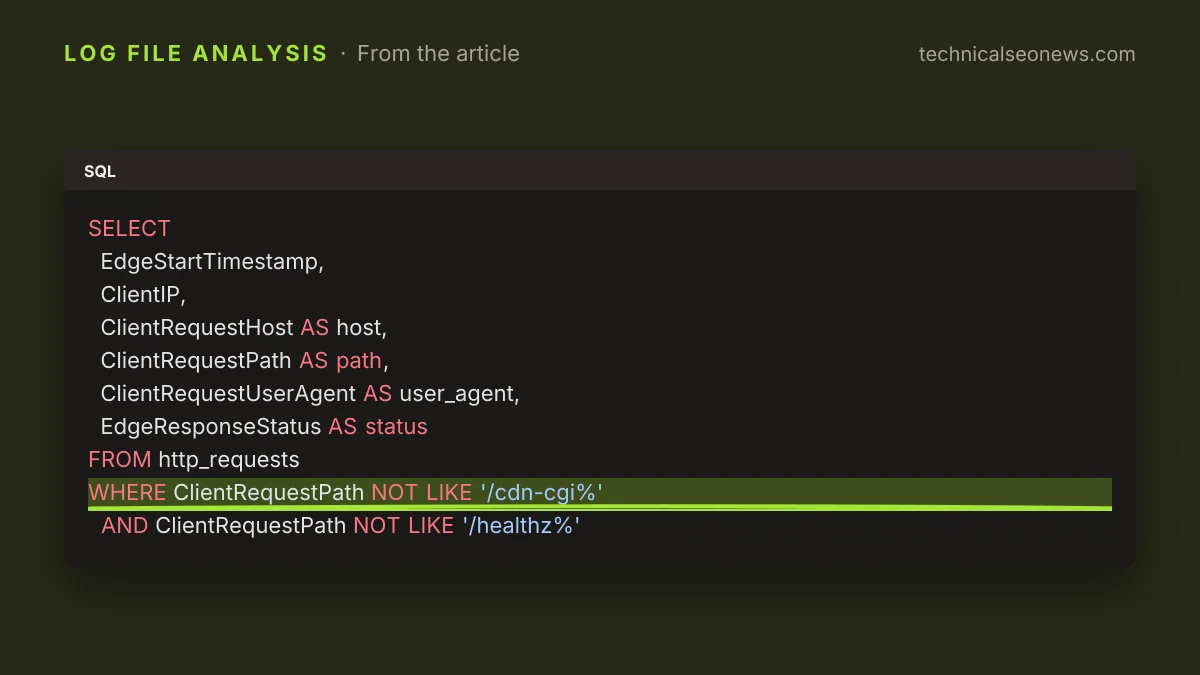
A crawler-log job needs three of those moves: keep the fields worth having, drop the noise paths, and decide what happens to the client IP. An example query against the http_requests dataset is short.
SELECT
  EdgeStartTimestamp,
  ClientIP,
  ClientRequestHost AS host,
  ClientRequestPath AS path,
  ClientRequestUserAgent AS user_agent,
  EdgeResponseStatus AS status
FROM http_requests
WHERE ClientRequestPath NOT LIKE '/cdn-cgi%'
  AND ClientRequestPath NOT LIKE '/healthz%'
Why not to filter on user agent
The obvious next line is an allowlist of the crawlers you track, and that is the one filter to leave out. Records that fail the WHERE clause never reach the destination, and Cloudflare’s post describes no archive for them. Training crawlers and the retrieval bots behind AI answers do name themselves, so GPTBot, ClaudeBot, OAI-SearchBot and PerplexityBot all survive a list of known strings. The clients that fetch on a user’s request often do not: this site has already reported one unlinked page pulled from 59 IPs presenting as Chrome or Safari, and OpenAI’s always-on agents browse with no published user agent at all. Cloudflare’s post is not about bot traffic, but an allowlist built from today’s known strings drops precisely the requests worth finding.
The client IP deserves the same caution. Masking it is the right default for a destination that has no business holding visitor addresses, and one regexp_replace expression does the job. Confirming that a request came from the operator it claims needs the whole address, either for a reverse lookup or to match a published IP range. Cloudflare’s post does not raise this, but the safer arrangement is two jobs: a redacted stream for the security monitoring system or the warehouse, and one narrow unredacted job covering the hostnames and paths under investigation.
What to do
- Build the query in Transformer Studio in the dashboard, or through the API, and preview it against real batches before attaching it to a job. Each save creates a new version, so a rename that breaks a downstream parser can be traced back.
- Filter on paths, hostnames and status codes. Leave user agents alone.
- Keep
ClientIPwhole in at least one job, scoped to the paths you are investigating, and redact everywhere else. - Check the target job is NDJSON on the dataset the query was written for. A Transformer attaches only to a compatible job, and both input and output stay NDJSON.