Meta's AI agent reads the accessibility tree, not the DOM
Summary
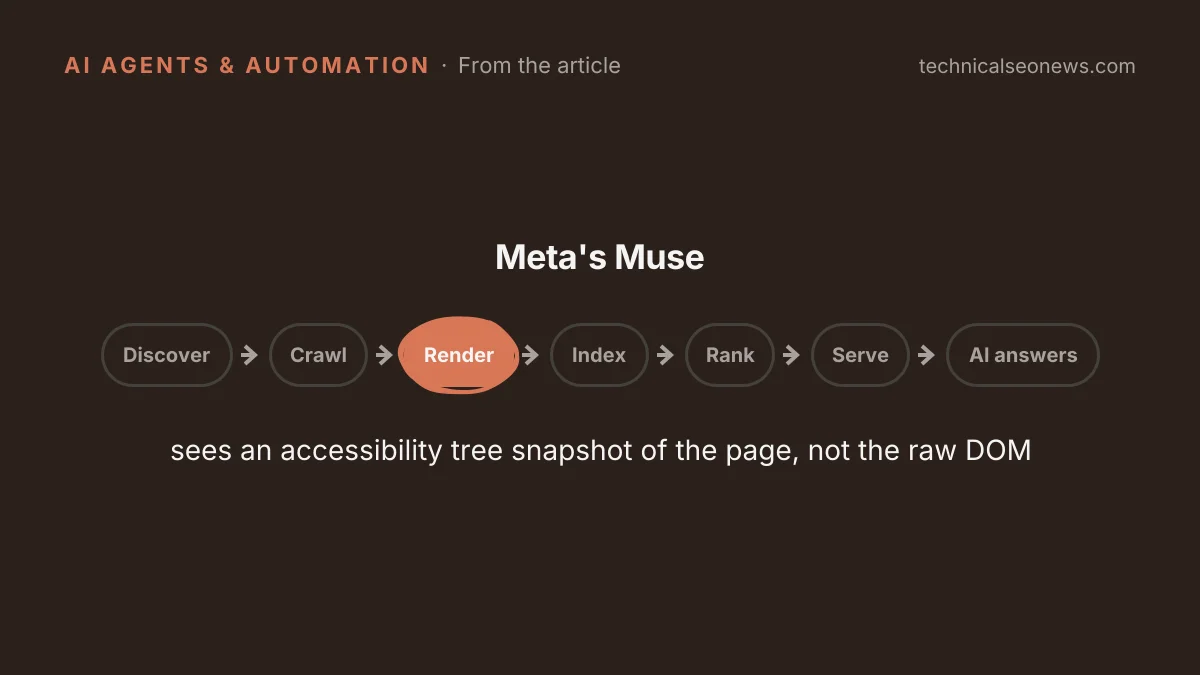
Meta's documentation says the agent driving Muse's browser reads an accessibility tree snapshot of the page, so a fact that lives only in JSON-LD or a button with no accessible name is invisible to it.
Open the Accessibility tab in Chrome DevTools and confirm that prices, specs and every control on product and checkout pages have names in the tree.
Meta’s Muse, the personal AI agent now available to anyone 18 or over in the US and Canada, reads a page the way a screen reader does. Meta’s own documentation, quoted in Search Engine Journal’s walkthrough of Muse and OpenAI’s Dots, says the sub-agent that drives the browser “sees an accessibility tree snapshot of the page, not the raw DOM” and “has no ability to run JavaScript in the page context.” Neither Meta nor OpenAI publishes a user agent, request header or signature for those browsers.
The accessibility tree is the version of a page Chrome builds for assistive technology, and Chrome’s documentation describes it as keeping “only elements from the DOM tree that are relevant and useful for displaying the page’s contents in a screen reader,” each item carrying a type, a name and a state. Headings, link text, alt text, labeled fields, button names, and visible prices and specs all come through that filter. A JSON-LD block does not, because Chrome leaves script blocks out of the tree, so a fact that lives only in structured data is not in what Muse reads. Search Engine Journal’s advice is to keep the markup for Google and put the same facts in visible text, which matches an earlier test where facts placed only in schema came back in zero of 12 AI answers.
The JavaScript restriction is narrower than it sounds. Muse runs what Meta calls “a real up-to-date Chromium-based browser,” so a page’s own scripts execute normally. The sub-agent simply cannot inject scripts of its own. A client-side rendered page is not invisible to Muse the way it is to a crawler that never runs scripts. What breaks instead is anything that renders for a human and exposes nothing to the tree: an icon-only add-to-cart button with no label, a custom size or colour picker with no label, a price drawn in an image. Those are the same defects that fail a screen reader, and they now fail a customer’s agent at checkout. Agents already fill forms on live sites: Anthropic’s test agents submitted real forms on live sites.
Because no identifier is published, robots.txt has nothing to name. Meta’s page for website owners lists five crawlers and Muse is not one of them. Rules written for named crawlers do not reach an agent driving a full browser session on a person’s behalf, and the robots standard itself says its rules “are not a form of access authorization.” Amazon’s robots.txt names 99 agents and still has nothing it can write for this one, which is why Amazon’s September block of Muse ran through its Conditions of Use, the terms its customers agree to. Per Search Engine Journal’s account of GeekWire’s reporting, Amazon gave three reasons: Meta did not tell Amazon that Muse would access its store, the agent does not identify itself when it browses, and it appears to capture and store customer credentials.
Control therefore moves from robots.txt to bot protection, which in most organizations is someone else’s system. A firewall or platform bot filter sees Chromium on a cloud machine and either blocks it or waves it through as a person. Search Engine Journal cites PPC Land’s report that HUMAN Security, which sells bot detection, says its product can identify Muse, so asking a vendor whether it can separate an agent-driven Chromium session from a human one is a fair question. OpenAI, for its part, tells Dots users that if a website blocks the cloud browser they can ask the agent to try their own connected computer.
In reporting, the visit is indistinguishable from a customer’s. Meta says that when Muse browses, “it will appear as your activity,” down to the retargeting that session earns. A purchase completed through a connector, the API integration Meta built with its launch partners and the Shopify catalogue, never touches the site: the order lands in platform records and no pixel fires.
What to do
- Open Chrome DevTools, go to the Elements panel, open the Accessibility tab and toggle “Show accessibility tree.” Walk a product page, a pricing page and a lead form, and confirm the price, the specs, the delivery terms and every control have names in the tree. Check that key facts are not inside sections hidden with display: none or a closed details element, which drop out of the tree until opened.
- Move any fact that exists only in JSON-LD into visible text as well. Keep the markup for search, and stop treating it as the only copy of the fact.
- Give every interactive element an accessible name, with visible text or aria-label, and put a label on every field, including custom dropdowns.
- Ask whoever owns the WAF or bot filter whether agent-driven browser sessions can be told apart from human ones, and set the policy deliberately rather than letting the filter set it.
- On Shopify, check Sales channels, then Agentic. The default “Allow Shopify to manage for me” shares products with Meta through Shopify Catalog.
There is nothing useful to add to robots.txt for Muse or Dots. A speculative Disallow for a name neither company has published does nothing except make the file look current.