Let Googlebot follow homepage redirects to show your favicon
Summary
Google's favicon documentation now says Googlebot must be able to follow any redirect from the homepage to the page that declares the favicon, with Googlebot-Image fetching the icon file itself.
Walk the homepage redirect chain and confirm nothing along it, including the icon's own host, is blocked in robots.txt.
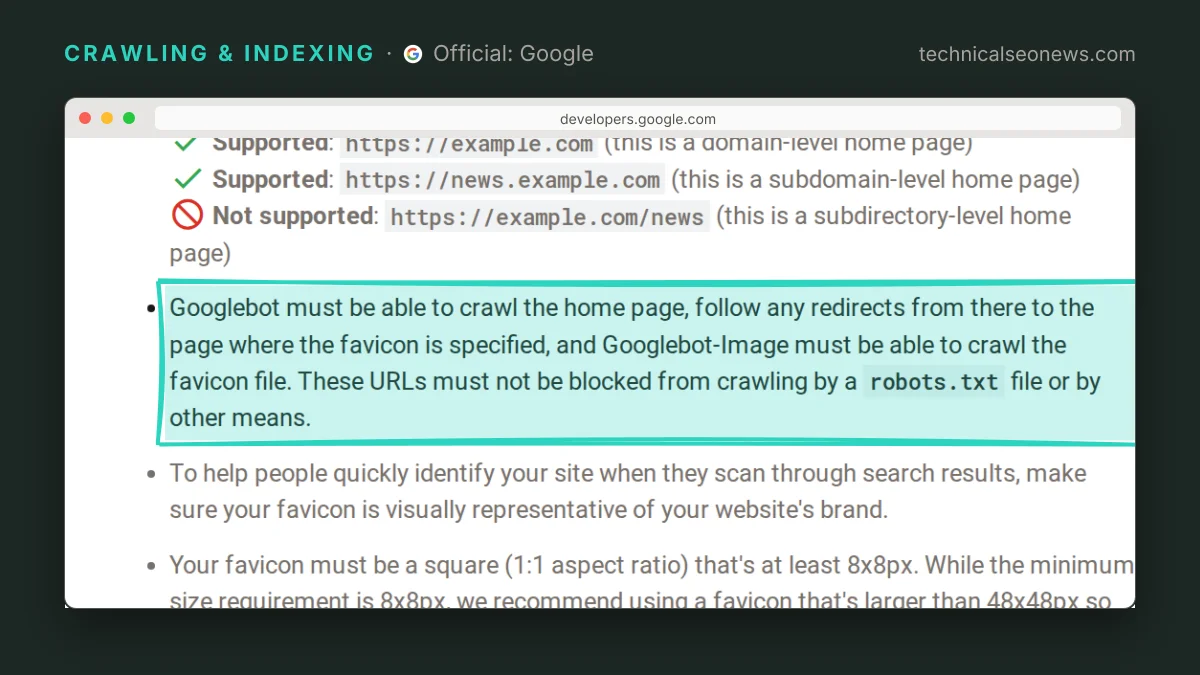
Google’s favicon documentation changed on October 27 to require that Googlebot can crawl the homepage and follow any redirects from there to the page where the favicon is specified, while Googlebot-Image crawls the favicon file itself. Search Engine Roundtable spotted the edit, which rewrote a single bullet in the guidelines.
The old bullet asked for less: “Googlebot-Image must be able to crawl the favicon file and Googlebot must be able to crawl the home page; they cannot be blocked for crawling.” The new wording adds the redirect step and widens the blocking clause to “a robots.txt file or by other means”. Barry Schwartz, the Search Engine Roundtable editor who flagged it, reads the edit as a clarification rather than a change, and the likelier explanation is that Google’s behaviour did not move at all. Google always had to reach the <link rel="icon"> tag somehow. What is new is a requirement written as a chain, which means it can be audited as one.
Where the chain breaks
The chain runs across two user agents and at least two URLs, and frequently across two hosts. Robots.txt is served per host, so a homepage that redirects to www or to a locale subdomain hands the decision to a different robots.txt file than the one most audits open on the bare domain. The same goes for the icon: when the href points at a CDN hostname, that host’s robots.txt decides whether Googlebot-Image gets the file. Google’s doc does not spell this out, but it follows from how robots.txt is scoped.
Take a made-up example. A retailer redirects / to /en-gb/, and that page declares <link rel="icon" href="https://cdn.example.com/static/icons/favicon.ico">. Googlebot crawls the homepage, follows the redirect and reads the tag without trouble. The CDN host, meanwhile, serves a catch-all Disallow: / that nobody has looked at since the asset domain was set up, so Googlebot-Image never fetches the file and Search has no icon to show.
Blanket disallows aimed at image scraping cause the same failure without a second host involved. A Disallow: /assets/ written to keep product photography out of Google Images takes the favicon with it when the icon sits under that path. An Allow carve-out for the icon fixes that only if the line parses, and Google’s robots.txt parser silently drops lines it cannot read, so a typo in the path or the directive leaves the broader block standing.
What to do
Audit the path end to end rather than checking the homepage alone:
- Request the homepage and follow every hop in the redirect chain, confirming each one resolves to a crawlable URL and that the final page carries the
<link rel="icon">tag. A chain that ends in a 404 or a disallowed path fails the new bullet even though the homepage itself is fine. - Resolve the icon’s absolute URL, then check the robots.txt of that exact hostname, not the main site’s, for any rule that covers the path.
- Check that bot management and firewall rules are not challenging Googlebot-Image on the asset path. The doc never names firewalls, but a challenge is the plainest reading of “or by other means”, and it looks nothing like a robots.txt block in logs.
- Leave the favicon URL alone once it works. The documentation asks for a stable URL and says a change shows up after Google recrawls the homepage, which it puts at several days to several weeks. The URL Inspection tool can request that recrawl.