Google widens Mediapartners-Google beyond AdSense in docs
Summary
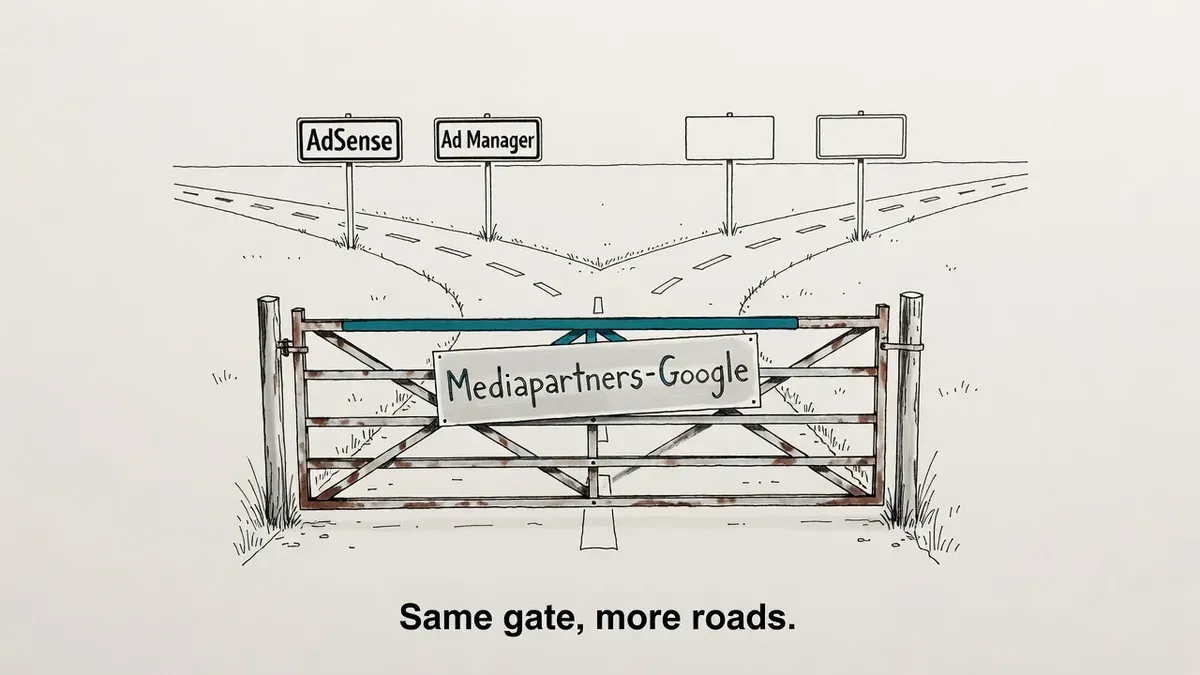
Google's special-case crawler docs no longer tie Mediapartners-Google to AdSense alone. Crawling preferences for that token now affect "various ad-related Google products," with AdSense and Ad Manager given as examples and no full list published.
Legacy robots.txt blocks on the token now carry undisclosed scope. Check yours if you monetize through more than AdSense.
What happened
Google rewrote the Mediapartners-Google entry in its crawler documentation, and the crawler is no longer described as an AdSense crawler. Roger Montti at Search Engine Journal reported the diff, which Google characterized as a generalization away from AdSense toward the wider set of Google ad products.
The old wording said crawling preferences addressed to the Mediapartners-Google user agent “affect Google AdSense,” and called it “the AdSense crawler.”
Google’s special-case crawlers documentation now says: “Crawling preferences addressed to the Mediapartners-Google user agent affect various ad-related Google products (for example, Google AdSense and Google Ad Manager).”
Two products appear as examples. Google does not publish the full list. SEJ notes the page stays silent on whether Google Marketing Platform, Local Services Ads or AdMob fall under the same token.
Why it matters
Mediapartners-Google is one of the oldest user agent tokens in the robots.txt file of a monetized site. Publishers added Disallow rules for it years ago to keep the ad crawler out of checkout flows or thin archive sections. At the time, the documentation said the only thing those rules affected was AdSense ad relevance on those URLs.
The same rule now reaches at least Ad Manager. Google’s documented job for the crawler is to visit participating sites so it can serve them relevant ads. Block it on a section and the ads running against that inventory lose the page context they would otherwise use.
The “for example” construction matters more than the two named products. The wording leaves room for scope to cover another ad product without a further documentation change, which turns an old robots.txt line into a standing liability rather than a one-time decision. Stale robots.txt rules that outlive their reason are a recurring failure mode, as with sites still blocking CSS and JS.
What to do
Start by grepping your robots.txt for the token. It takes a minute and most sites will come back clean.
curl -s https://example.com/robots.txt | grep -i -A5 "Mediapartners-Google"If you find a group, take the result to whoever runs ad ops and ask which Google ad products serve on the domain. AdSense only means nothing changes for you. Ad Manager in the mix means the block now covers inventory nobody scoped it against.
Leave the rule in place until you know why it was written. A Disallow on a payment flow or a logged-in area is often deliberate and still correct. Removing robots.txt rules you do not understand trades one unknown for another. Robots.txt is also the wrong tool for several jobs it gets handed, as we covered in noindex versus disallow.
No action is needed if the token never appears in your file. The documentation change alters what an existing directive covers. It does not create one.
Watch out for
- The wildcard group does not apply. Google’s doc states that the global user agent (*) is ignored for Mediapartners-Google. A site-wide
Disallow: /underUser-agent: *does not stop it, so only an explicit Mediapartners-Google group does anything either way. - Two examples are not a list. AdSense and Ad Manager are the products Google chose to name. The wording commits Google to nothing about the rest.
- AdMob and Marketing Platform are unaddressed. If your revenue runs through an app or a Marketing Platform product, the documentation does not say whether the token touches it, and this edit does not change that.