Google now lists the referrer values its search traffic sends
Summary
Google has published the HTTP Referer values its search results send, so site owners can count Search traffic in their own server logs without relying on Search Console.
Match the Google host anywhere in the Referer field instead of anchoring the pattern to the start of the string, or every click from the Android Google app's android-app:// value will be missed.
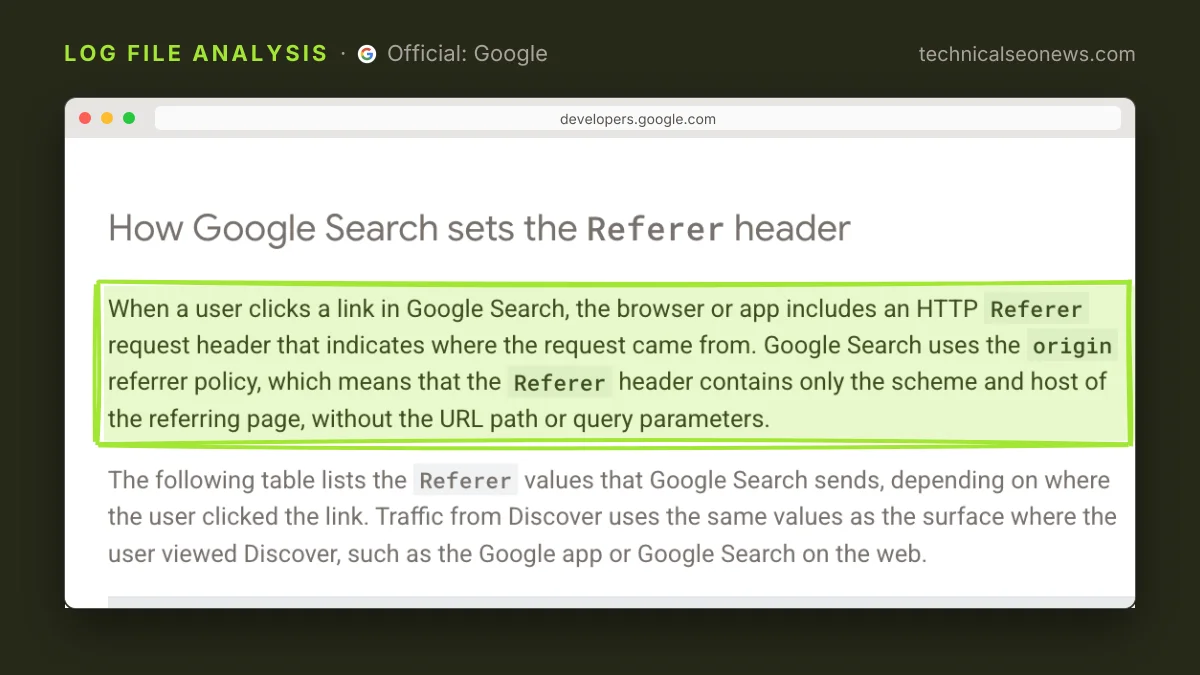
Google published a help page documenting the HTTP Referer values its search results send, so site owners can identify Search traffic in their own analytics or server logs instead of only in Search Console. The page, Identify Google Search traffic in your web analytics or server logs, went up on 12 November and was covered by Search Engine Roundtable the same day.
The values differ by where the click starts.
| Click origin | Referer value |
|---|---|
| Web | https://www.google.com/, or a local domain such as https://www.google.co.uk/ |
| Android app | android-app://com.google.android.googlequicksearchbox/https/www.google.com, or https://www.google.com/ |
| iOS app | https://www.google.com/, or a local domain |
The Android app line is the one that breaks existing filters. A pattern anchored to the start of the string, such as ^https://www\.google\., catches the web and iOS values and drops every hit carrying the android-app:// scheme, because that value puts the Google host in the path rather than the origin. Google’s page does not quantify how much traffic sits behind the app, so the safer move is to stop anchoring and match www.google. anywhere in the field, which covers all three rows and the local domains in one pass.
Google also tells log readers to count only requests for the landing pages themselves. The browser sends a Referer on the image, CSS and JavaScript requests that follow the HTML, but on those requests the value is the page’s own URL, not Google’s. A count that includes those lines is a count of page assets, not of visits.
The page lists the cases where the header never arrives at all:
- Private browsing modes and anti-fingerprinting protections in the browser.
- Opening a search result in a new tab, in some browsers.
- Moving from a native mobile search widget into an external browser.
- Privacy extensions and strict browser settings on the user’s side.
Those sessions land in whatever bucket the analytics tool keeps for traffic with no referrer, which is usually direct. A log-derived total is therefore a floor on Google Search traffic rather than a complete count.
The gap with Search Console follows from the same mechanics. Search Console records a click the moment a user selects a link, while analytics records a session only after the page loads and the tracking code runs. Client-side redirects widen the gap: Google says a JavaScript or meta refresh hop may replace the Google referrer with the site’s own URL, so the visit is attributed to internal traffic. Analytics can run higher in one respect, since it may include paid clicks that Search Console never counts. On organic traffic alone, Search Console will usually read higher, and the comparison worth making is the trend rather than the absolute numbers.
Nothing in the documented set identifies AI Mode. Google lists one group of values for Google Search and names no separate string for AI Mode traffic, so a log parser can count the Google total and cannot tell an AI Mode click from a classic result click. The page does say that Discover traffic carries the same values as the surface it was viewed on, so Discover clicks sit inside that total too. The page does not explain the AI Mode omission, and the likelier reading is that it is deliberate, since Google has described AI Mode and classic results as one product rather than two surfaces with separate reporting. Any dashboard that promises an AI Mode traffic number out of server logs is inferring it from something else.
What to do
- Replace anchored Google referrer patterns with a match on
www.google.anywhere in the field, so the Android app value counts. - Restrict the match to HTML landing-page requests before counting anything.
- Treat the log figure as a floor and expect Search Console to read higher on organic clicks. Compare the two on trend, not on volume.
- Move entry-path redirects server-side. A 301 preserves the Google referrer, while a JavaScript or meta refresh hop may replace it with the site’s own URL.
- Use Search Console for anything AI-related, since AI Overview clicks are already counted inside the Search totals there and logs cannot separate them.