Google Images and Discover previews do not support JPEG XL
Summary
A .jxl file in an img src will not appear in Google Images or as a Discover preview, Google's John Mueller said, even though Chrome and Firefox now decode the format.
Serve JPEG XL from a picture source and keep a JPEG, WebP or AVIF file in the img src.
JPEG XL images are not supported in Google Images or as preview images in Discover, Google’s John Mueller said on Bluesky on October 15, as reported in Search Engine Journal’s SEO Pulse roundup.
Chrome began rolling out JPEG XL decoding widely on October 6. Firefox 158 shipped support on October 13. Google’s image SEO documentation lists BMP, GIF, JPEG, PNG, WebP, SVG and AVIF as the formats Search reads from an img element’s src attribute, and as of October 22 JPEG XL was not among them.
Browser support and Search support are separate things, and the src attribute is where they come apart. A page that swaps its hero image to a .jxl file renders normally for visitors on current Chrome and Firefox builds while handing Google Images a format its own documentation does not list. Search Engine Journal’s roundup does not say what happens to images already indexed in a supported format, but the safer assumption is that they fall out of Google Images once the old file stops serving.
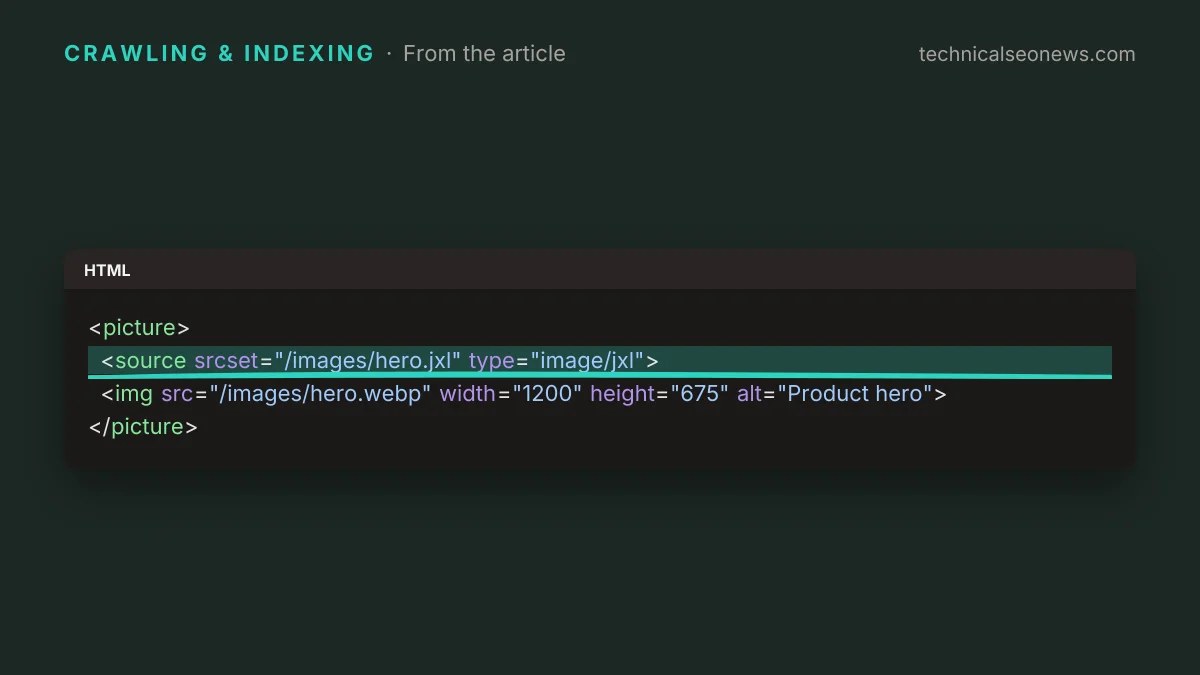
Asked about fallbacks, Mueller said a picture element includes an img element, “so that would work for any search engine,” per Search Engine Journal’s roundup. That covers both audiences at once: browsers that decode JPEG XL take the source, and everything else, Google Images included, takes the file in src.
<picture>
  <source srcset="/images/hero.jxl" type="image/jxl">
  <img src="/images/hero.webp" width="1200" height="675" alt="Product hero">
</picture>
Discover previews run on a separate path from image indexing. Google’s Discover guide tells site owners to use og:image or schema.org markup to specify a large preview image, so a site that converted its image library to JPEG XL can lose previews through a meta tag even when every img element is built correctly.
What to do
- Keep a JPEG, WebP or AVIF file in every img src, and serve JPEG XL from a picture source above it.
- Point og:image and the image fields in your structured data at that same supported file, never at the .jxl.
- Check any build step or CDN rule that rewrites image URLs by extension, since a blanket conversion will take the src and the og:image with it.
- Hold off on moving an image library to JPEG XL as its only format until Google’s image documentation lists the format.