Chatbot page fetches skip analytics and show only in server logs
Summary
When someone pastes a link into ChatGPT, Claude or Mistral, the fetch comes from the chatbot's own servers and leaves no trace in Google Analytics, according to a test of 23 AI tools.
Count those visits in server logs instead, filtering for the ChatGPT-User, Claude-User and MistralAI-User agents.
A developer building an analytics tool gave 23 AI agents, chatbots and dev tools the same task on a test site: look up a price and read the contact page. Every request was logged. According to the r/TechSEO thread describing the test, the chatbot fetches never reached Google Analytics, while the agents that browse on a person’s behalf arrived looking like ordinary Chrome visitors.
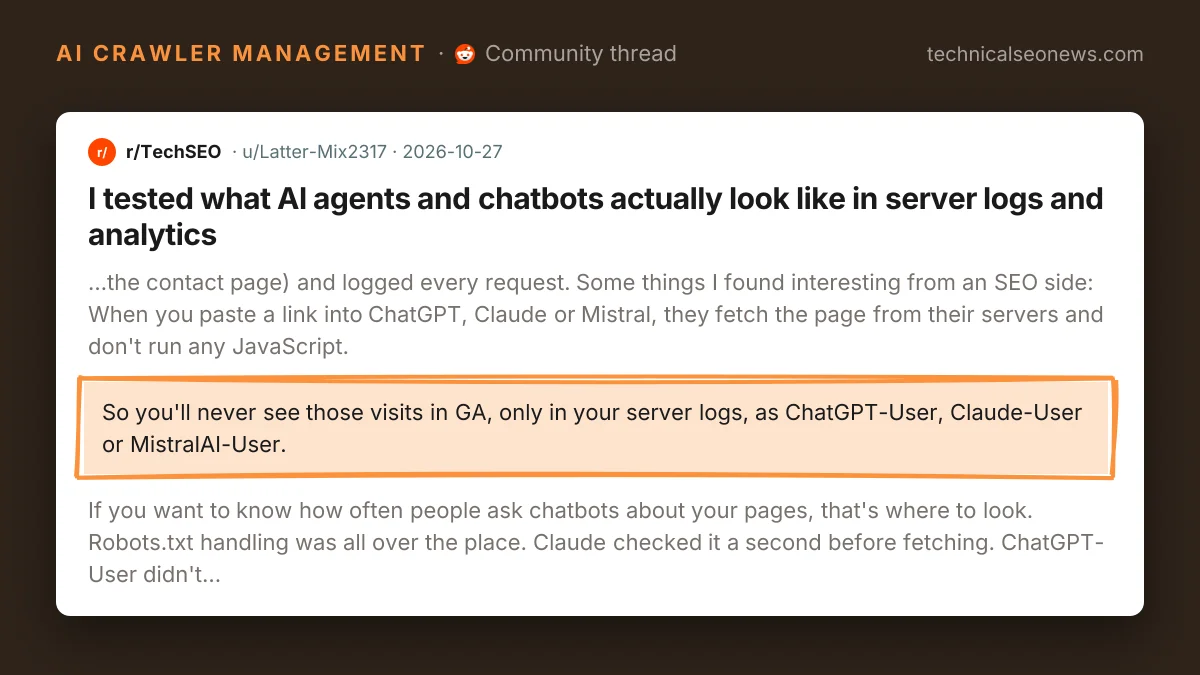
Pasting a link into ChatGPT, Claude or Mistral makes those services fetch the page from their own servers, and the thread reports that none of the three ran any JavaScript. A server-side fetch never executes the analytics tag, so the visit exists only in the server log, as ChatGPT-User, Claude-User or MistralAI-User. Those lines are the closest thing available to a count of how often people are asking a chatbot about a given page. The no-JavaScript result repeats an earlier test in which ChatGPT, Claude and Perplexity saw only the nav and footer of pages built in the browser, so anything that appears only after a client-side render was not part of what the chatbot read.
Agents that browse on a person’s behalf create the opposite problem. ChatGPT’s agent, Claude in Chrome and Comet, Perplexity’s browser, all came through as normal Chrome sessions in Google Analytics, often from the user’s own IP address, so filtering bots by datacentre IP ranges will not catch them. Grok and Manus read all three test pages without a single click or scroll, which analytics records as a bounce.
Past that split, little was consistent from one tool to the next.
| Tool | What the logs showed |
|---|---|
| Claude | Requested robots.txt one second before fetching the page |
| ChatGPT-User | No robots.txt request; OpenAI’s search crawler arrived 33 seconds later |
| Mistral | Fetched every page twice in the same second |
| Perplexity | Fetched the homepage instead of the given URL, twice, then said it could not read the page |
| Meta AI | Identified itself as meta-webindexer |
| Gemini | Sent “Google” as its entire user agent |
The ChatGPT row is the one that affects crawl rules. The user-triggered fetch asked for no robots.txt, and OpenAI’s search crawler showed up afterwards as a separate client, so a rule written for one of them does not govern the other. Sites already handle that division unevenly: an earlier check of 122 well-known sites found nine blocking GPTBot while letting OpenAI’s search bot crawl. Gemini’s row matters for log parsing: a filter that matches “Google” will file Gemini’s fetches alongside Googlebot and GoogleOther, Google’s generic crawler.
Perplexity’s row is worth remembering before anyone rebuilds a page on the strength of a chatbot’s complaint. The thread reports it fetched the homepage rather than the URL it was given, twice, then said it could not read the page, and once said so without sending a request at all. A refusal like that can be a routing fault inside the tool rather than anything on the page.
One log observation in the thread comes with no explanation attached: immediately after an agent visit fired the Google Analytics tag, GoogleOther loaded the same page. A single test site cannot establish why, and the thread does not try.
What to do
- Count chatbot interest in server logs rather than analytics. Filter for ChatGPT-User, Claude-User, MistralAI-User and meta-webindexer; the author’s writeup lists the full set of user agents from the test.
- Check that the content a chatbot would need is in the HTML response, since ChatGPT, Claude and Mistral ran no JavaScript in the test.
- Look at which URL a tool actually requested before debugging a “cannot read this page” answer.
- Segment Chrome sessions with no clicks or scrolls instead of reading them as human bounces, and do not lean on IP-based bot filtering, because agent traffic came from the user’s own address.
- Run the same task against your own pages for the three or four tools you care about. Behaviour differed per tool on robots.txt, on user agents and on whether the right URL was fetched, so one tool’s result does not transfer to the next.