AI crawlers found none of a site's JavaScript-added links
Summary
AI crawlers discovered none of the JavaScript-injected links on a 2,400-page test site, so pages reachable only through scripts can go unseen.
Request a key page with curl and move any main content, links or indexing directives missing from that response into the initial HTML.
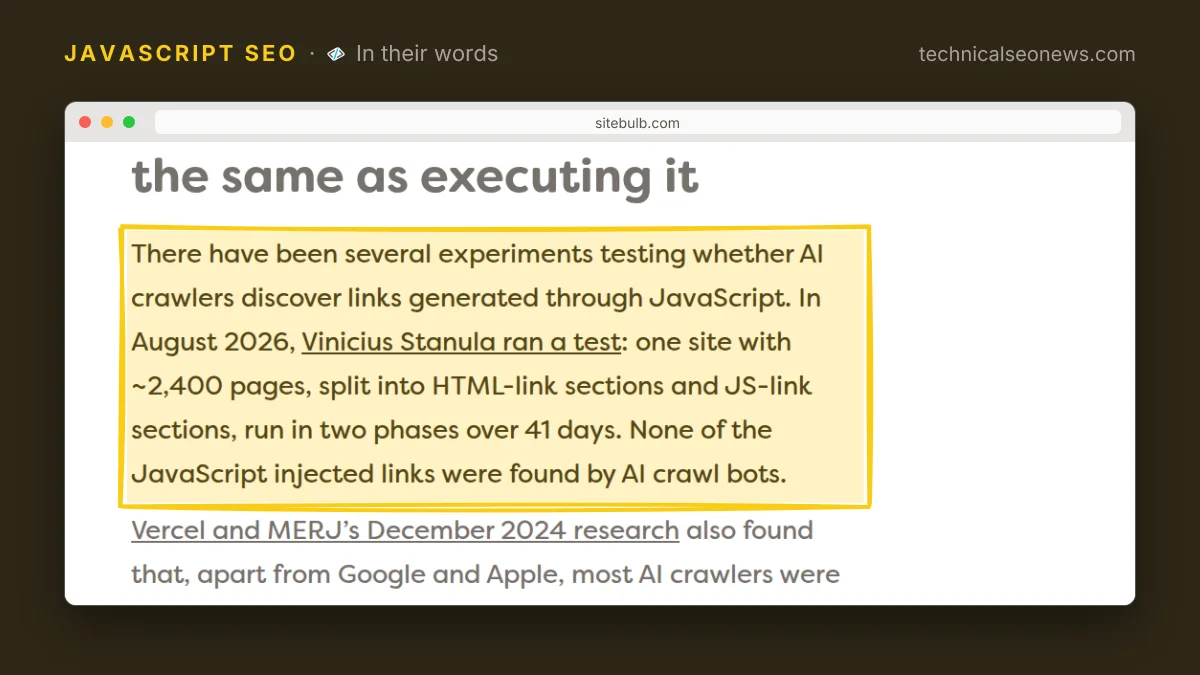
On a test site of about 2,400 pages, AI crawl bots discovered none of the links that JavaScript injected. The SEO consultant Vinicius Stanula ran that test over 41 days in August 2026, splitting the site into sections whose links sat in the initial HTML and sections whose links were added by script. Sitebulb, which makes a website crawler, published a guide to AI crawlers and JavaScript on 16 November that builds on that result: “in general, AI crawlers do not render JavaScript. Even when they can, you shouldn’t rely on it.”
What trips practitioners up is the gap between a crawler fetching a script and running it. In December 2024 the hosting company Vercel and the technical SEO consultancy MERJ published a log study that found none of the major AI crawlers rendered JavaScript, Google’s and Apple’s excepted. Yet Claude’s crawler requested JavaScript files in 23.84% of its requests. A log line showing that bundle.js was fetched tells you the file left your server, nothing more. Sitebulb’s own testing adds a similar trap: AI fetchers pull content out of JSON as plain text without appearing to interpret its structure.
Which bots this applies to depends on the job each one is doing, and the guide separates three kinds. Bulk collectors gathering training data have the least reason to pay for rendering, since they can get useful material from a large corpus without reconstructing every page. Retrieval bots answering a specific question have a stronger reason to recover a particular page. Perplexity’s documentation, cited in the guide, splits those roles between PerplexityBot for search discovery and Perplexity-User for pages fetched in response to user actions. Browser agents that operate a site directly, such as the visual and text browsers in OpenAI’s ChatGPT agent, can execute JavaScript.
Browser agents are the exception that does not rescue you, because discovery happens before the agent arrives. An agent follows a URL it was given, a search result or a link, so a page that exists only in JavaScript output and was never found by the retrieval path does not come back into view later just because a browser is available.
Capability and incentive are separate questions. Google took ten years to get there, from the AJAX crawling proposal of 2009 to the evergreen Googlebot of 2019, and it now renders almost every page before indexing it. AI providers can use browser technology that already exists, but running browsers across billions of pages still costs real money while those providers compete on price. The likelier outcome is that rendering stays selective, so treating convergence on Googlebot’s behaviour as a matter of time assumes AI providers will choose to pay for it.
What to do
Check what your server sends rather than what your browser shows:
curl -s https://example.com/product/widget > response.htmlConfirm that response carries the main content, meaningful links, the title, the canonical tag and the robots directives. The Elements panel in DevTools will not tell you, because it shows a document the browser built, where a JavaScript-injected link looks the same as one that arrived in the HTML. Disabling JavaScript and reloading gives a second baseline.
Then work in this order:
- Prioritize by content type: product descriptions, article bodies, navigation and indexing directives first. A decorative feature that needs JavaScript is a different class of problem from a product listing that needs it.
- Move the essentials into the initial response, with server rendering or static generation for main content and JavaScript for the experience around it. Will Critchlow, CEO of the SEO testing company SearchPilot, put the requirement plainly in a webinar the guide quotes: “your stuff needs to be available even without JavaScript enabled.” A loading skeleton may be all a non-executing fetcher ever sees.
- Treat execution as something to prove. Look for a bot hitting an endpoint only a script would call, or requesting a URL with no non-JavaScript route. Converting one set of JavaScript links to HTML and watching whether those pages start receiving requests is the cleanest follow-up, and findings deserve a date rather than a claim about permanent crawler behaviour.