Google renders almost every page before it indexes it
Summary
Google renders almost every page before indexing it, and Google's Martin Splitt calls a page indexed without rendering very rare, in a 2021 webinar transcript Onely has republished with updated notes.
Debug missing content by comparing the rendered HTML in Search Console's URL Inspection with what you expect indexed, instead of waiting for a second indexing pass.
Google renders almost every page it crawls, and a page reaching the index before it has been rendered is “very rare,” according to Martin Splitt, a developer advocate at Google, in a webinar transcript the technical SEO agency Onely has republished with notes on what has changed since. Splitt, who took the rendering questions in that session, also named what Google’s renderer is short of, which is CPU time on the main thread.
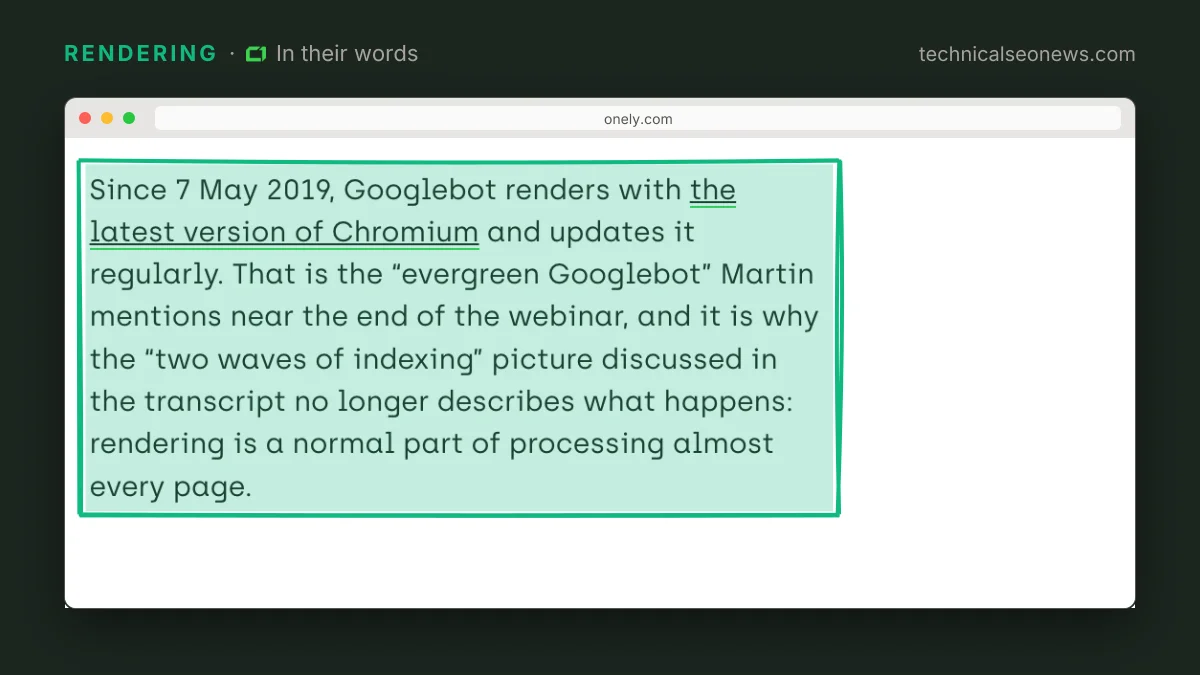
The webinar ran in 2021, and Onely’s added notes say its account of crawling, rendering and indexing still matches Google’s documentation. In it Splitt called the two waves of indexing an oversimplification. Jason Barnard, who co-hosted, read out an audience question asking whether rendering is mandatory for a page to be indexed. Splitt said it “could hypothetically happen” that a page is indexed without rendering, “but in practice it normally doesn’t.”
Splitt traced the two-waves model to a Google I/O slide deck he questioned before it was presented. “That was an oversimplification,” Splitt said. “It was making what happens behind the scenes too simple and it implied a bunch of stuff that were not meant to be implied,” among them the idea that pages get indexed first and re-indexed once rendering catches up. Splitt said that sequence happens “in certain cases, but it’s very rare.” Dropping the second wave removes the standard excuse for missing content: a page stuck at Crawled - currently not indexed is debugged by fetching it without JavaScript, not by waiting.
Rendering is not confined to React and Angular sites. “All of the websites are being rendered and all of you are to some degree concerned,” Splitt said, because rendering is also where Google lays the page out and works out which parts are the main content. Onely’s Bartosz Góralewicz, who hosted the session, made the sharper version of the point: most sites now serve different content with and without JavaScript, and on mobile and desktop, which he described as cloaking nobody intended.
Main-thread CPU time is what Google’s renderer has least of. “Expensive layouts are tricky, and with layouts I specifically mean the layout work that happens on the main thread, because that costs CPU time and CPU time is what is most precious to us,” Splitt said. Storage and memory are “not that critical” by comparison, and are expensive mostly when they hog CPU. Paint costs nothing, because Google’s renderer has no GPUs behind it: “we are not using actual GPUs to actually paint any pixels so we don’t care about anything paint-related,” Splitt said.
Splitt did not list which layouts are expensive, but the ordering is enough to redirect effort. If nothing is painted, shadows, gradients, filters and animation smoothness cost Googlebot nothing. The likelier cost is script that forces the browser to recalculate geometry over and over during load, which is the same work a Chrome performance trace already surfaces.
The one concrete fix Splitt gave concerns how JavaScript is split across files. A single large bundle that changes constantly can never be served from Google’s cache. Splitt’s example was four files, only two of which change daily or weekly, so Google can keep the other two. “Then we can use the cache for at least the other files that never change,” Splitt said.
The render queue is not observable from outside. Splitt called it opaque, because “you don’t really see how long it takes us to render, if we render at all, when we render,” and Google’s JavaScript guide, quoted in Onely’s notes, says a page may sit in it for a few seconds or longer. Splitt gave no fixed timeout, only heuristics, and his rule of thumb was that if a real user would call the wait too long, Google would too.
Other bots do not render the way Google does. Onely’s notes cite a December 2024 study by Vercel and the SEO consultancy MERJ in which none of the major AI crawlers rendered JavaScript, so content that exists only after rendering is invisible to them. A 200 OK in your logs does not tell you what the AI crawler received.
What to do
- Compare the rendered HTML in Search Console’s URL Inspection live test against what you expect indexed. Text, links or a canonical tag that appear in your browser but not in the tested page are missing from the index too.
- Keep noindex and canonical tags out of JavaScript. Google may skip rendering a page whose original HTML says noindex, so flipping that tag with script may not work as expected, and the rendered canonical should match the raw HTML.
- Profile main-thread layout work rather than visual polish. The renderer has no GPU and does not care how the page looks while it loads.
- Split bundles by how often the code changes, so the stable files stay cacheable between crawls.
- Server-render or pre-render anything you need AI crawlers to read.