Google AI Mode books home services through partner software
Summary
Booking and quote requests from Google's AI Mode now reach US home service businesses, but only through their account on a partner platform such as Angi or Jobber.
Find out which platform each client runs jobs on, because eligibility is a setting there rather than anything on the website.
Google turned on booking and quote-request links for US home service businesses in AI Mode, routed through the marketplaces Angi and Thumbtack and the field service platforms Jobber and Housecall Pro. Robby Stein, Google’s product VP for Search, announced it on X on Wednesday and said it is live in the US now, per Search Engine Journal’s piece, which collects what each partner says about who qualifies. ServiceTitan is listed as coming soon.
None of those links go to the business’s own website. A homeowner who picks an Angi pro lands on that pro’s Angi profile to make the quote request. A Jobber customer gets a “Book Online” button on their Google Business Profile that opens their Jobber booking form. AI Mode has done this before, when its flight answers linked only to Google Flights, and the result for the provider is the same either way: the conversion happens on an intermediary’s page.
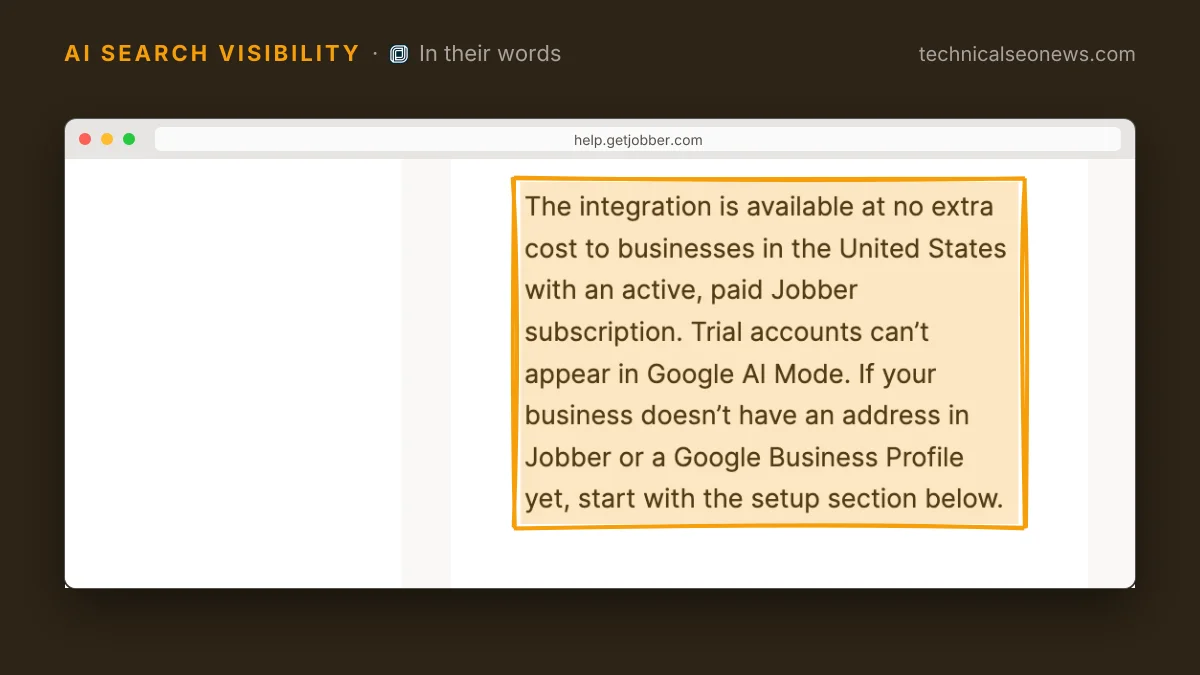
Eligibility is therefore a software setting, and there is no page to publish. Stein’s post does not say how Google picks the businesses it shows, so the published partner requirements are the only part a practitioner can act on, and they differ by platform. Jobber’s are the strictest and the easiest to get wrong. Jobber’s help page lists five conditions for a business to appear:
- An active, paid Jobber subscription. Trial accounts cannot appear.
- A complete business address in Jobber’s company settings.
- A Google Business Profile connected to Jobber at that same address.
- A request or booking form connected to Google. Jobber connects the default request form automatically.
- The “Help clients find my business” setting turned on in company settings.
Once Google matches the profile, which Jobber says usually takes a few days, the “Book Online” button appears and requests arrive in Jobber like any other online booking, on the availability the business already set.
The other three platforms ask for less, or have published nothing. Housecall Pro says every Pro is auto-enrolled at no additional charge, pulls time slots from the Pro’s own calendar, and does not require a Google Business Profile at all, but its release calls the integration coming soon rather than live. Angi points pros at their Angi profile, since that is the page AI Mode sends the homeowner to. Thumbtack is on Stein’s list and had announced no AI Mode plan of its own as of November 4.
Both Jobber and Housecall Pro say there is no lead fee on these requests. That differs from Google’s own Local Services Ads, whose help page counts a customer’s booking request as a lead the advertiser is charged for in the US and Canada, per Search Engine Journal’s reading of it.
Angi is the open question. Its annual report says pros pay fees for consumer matches, and its AI Mode announcement does not say whether those fees apply to quote requests that start in AI Mode. Until Angi says otherwise, the safer assumption is that they do.
What to do
- Check which platform each client runs jobs on before promising anything. A business on none of the named platforms has no route to direct booking in AI Mode, and no amount of on-page work changes that.
- On Jobber, compare the company-settings address against the connected Google Business Profile, confirm a form is assigned to Google, confirm the discovery setting is on, and confirm the account is paid rather than on trial.
- Move from a request form to a booking form where the business can honour real availability. Jobber’s help page says client reviews and a booking form, rather than a request form alone, can get a business recommended more often in AI Mode.
- On Housecall Pro there is nothing to configure, so the only job is not to count on bookings until the integration ships.
- Treat the Angi profile as a landing page and audit it as one, because that is where the demand arrives.
Watch out for
Google’s help page on checking local availability in AI Mode does not mention partner links, so there is no Google-side documentation to monitor for eligibility changes. Each partner’s own help page is the record, and those are the pages to re-read when a client stops appearing.