OpenAI can block ChatGPT browsing of your site with no log trace
Summary
OpenAI runs a site-safety check that can refuse ChatGPT and Codex browsing before any request reaches the origin, so a blocked site sees nothing in its own logs.
Test the same URLs on the agent surfaces against a competitor in the same session before touching your WAF or robots.txt.
OpenAI runs a central safety check that decides whether its browsing tools may connect to a given site at all, and a site it flags is refused before the request ever leaves OpenAI’s infrastructure. Dan Taylor, founder of the agency 10 Spurs, where he heads innovation and consultancy, documented the mechanism at Search Engine Journal using an international media publisher whose pages ChatGPT has failed to load since May 2026.
The check is referred to as Aura inside OpenAI’s systems and codebase, and Taylor traces it in network traffic to a call to chatgpt.com/backend-api/aura/site_status. A blocked verdict is then cached locally for 24 hours. OpenAI’s public help pages say agents may be blocked from certain sites for security, safety and compliance reasons via a global blocklist, and its system documentation says browsing is blocked on sites linked to illegal activity. Neither explains how a domain gets onto the list or how to get it off.
Why logs and bot reports miss it
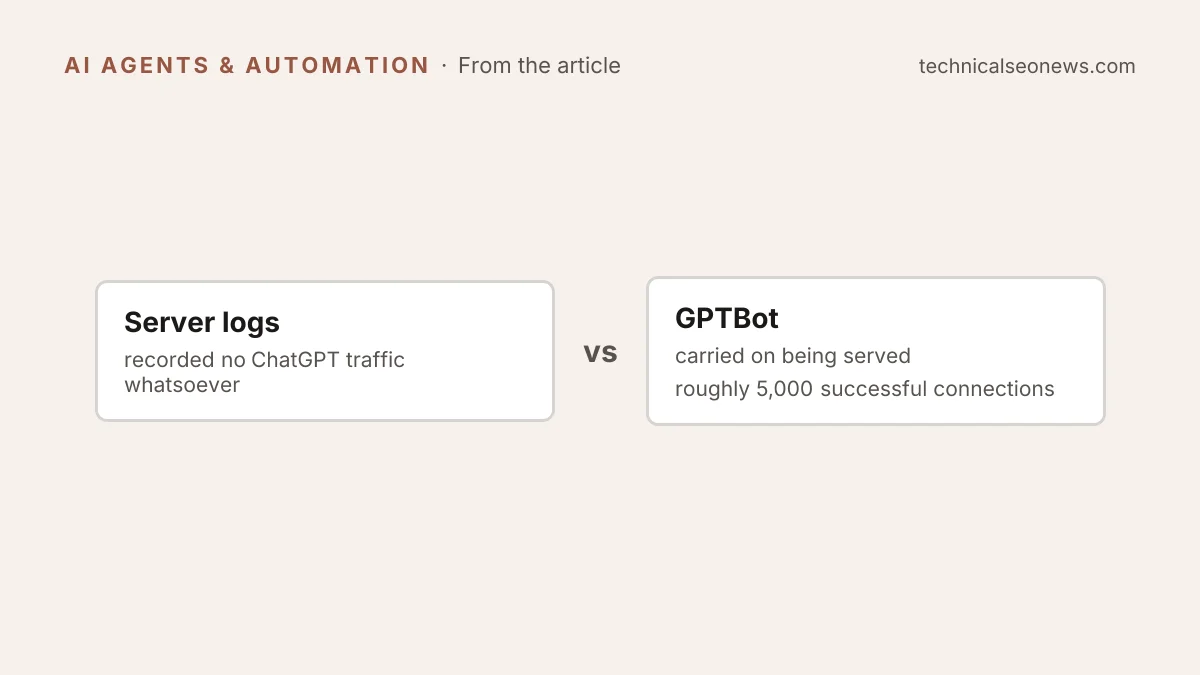
Nothing about this looks like a block from the site’s side, which is why practitioners debug it as a server or bot-protection fault. The publisher’s server logs recorded no ChatGPT traffic whatsoever, because the refusal happens before a connection is attempted, and the user simply sees a generic error. GPTBot carried on being served, roughly 5,000 successful connections over 30 days, so crawler reports showed OpenAI access while agent browsing was dead.
The block applies to agents, not crawlers. GPTBot for training, OAI-SearchBot for search features and ChatGPT-User for direct user requests publish their IP addresses and follow the usual crawler rules, and they run separately from the rules that govern agents. The site-safety check sits above all of it and gates the autonomous browsing surfaces: ChatGPT’s live search and Codex’s Browser Use. The crawler and live-fetch distinction matters in logs too, since chatbot page fetches skip analytics and show only in server logs. A fully open robots.txt bought the publisher nothing. Neither did Chrome permissions set to “Always allow” with an explicit entry for the brand.
OpenAI engineers have said, per Taylor, that a network error during the status check defaults to allowing access, but an explicit site block is strict. Company administrators’ own allow rules are overridden by OpenAI’s internal decision, and the agent system told the model not to attempt any alternative route. The Codex refusal named the cause outright: “Browser Use rejected this action due to browser security policy. Reason: The site-safety policy blocks this action; no user permission prompt or Auto-review was attempted.”
What converted that from a suspicion into evidence was a set of controls run one variable at a time. In the same session, two competitor newspaper and magazine platforms loaded fine, and so did a third-party newspaper page running on the publisher’s own technology under a different hostname. Weeks later, all five tested URLs, main site, subdomains and article pages, were still refused. The controls point at a label attached to the domain rather than anything in the publisher’s stack. OpenAI’s help pages tell affected owners the opposite: look at your own security rules.
Why a domain gets labelled is the part nobody outside OpenAI can answer. Taylor notes that status requests send chat context alongside the URL, which has led some researchers to suspect that a prompt history can trigger a site-wide block. That remains speculation. The documented part is the absence of a route out. Front-line support escalated the publisher’s ticket to internal teams, and later emails said those teams were still working “to review the block and determine whether it’s expected”. Support confirmed in writing that a safety block was active without ever naming Aura.
What to do
If agents cannot load your site but your crawler reports look normal, collect the evidence before you open a ticket, because support has no self-serve tool to point you at:
- Test the same URLs across surfaces: ChatGPT live fetch, the cloud browser, and Codex Browser Use. Run competitor sites as controls in the same session to rule out a general outage.
- Check your CDN and server logs at the timestamp of the failed attempt. A site-side block leaves a 403, a challenge page or a WAF event. An OpenAI-side block leaves no request at all.
- Pair that absence with crawler analytics showing 2xx responses to GPTBot, OAI-SearchBot or ChatGPT-User. That contrast puts the problem upstream of your site.
- Test the edges, meaning subdomains, article URLs, and a page on another domain running the same stack.
- Record the exact error wording with timestamps and time zone, and rule out your own robots.txt, WAF and bot-management rules, geo-blocking and rate limiting first.
- Open a support case, keep every case number, and ask three things: whether the domain is subject to a site-safety classification, which surfaces it covers, and what the review process is. Advertiser, partner and enterprise contacts are worth using here.
- Do not try to route around it. Workarounds breach OpenAI’s usage policies, and the 24-hour cache means a retest too soon after a change tells you nothing either way.