Google's new shopping cart hands stores a copy with no sync
Summary
Google's Universal Cart is live in the United States, and a store that takes a transferred cart receives it once, with no later updates in either direction.
Choose native checkout or cart transfer in Merchant Center's UCP integration hub, and check whether Shopify has already switched Direct Checkout on.
Google’s Universal Cart is live in the United States across Search, including AI Mode, and the Gemini app, letting shoppers collect items from several retailers into a single cart. Search Engine Journal’s piece reports that Suresh Ganapathy, Google’s Senior Director of Product Management for Consumer Shopping, announced the launch in a blog post, and that Google first showed the feature at I/O in May.
Stores reached by that cart get two ways to take the sale, and only one of them keeps the transaction on their own site. Native checkout completes the purchase inside Google. Cart transfer sends the shopper to the store with a pre-filled cart waiting there. The merchant stays the seller of record either way, and participating merchants who clear Google’s onboarding requirements pick one of the two in the Universal Commerce Protocol (UCP) integration hub in Merchant Center. Google’s help page says that hub is rolling out gradually in the US, with Australia and Canada to follow next year. Nike, Sephora, Target, Ulta Beauty, Walmart and Wayfair are among the merchants Google names, along with many Shopify stores.
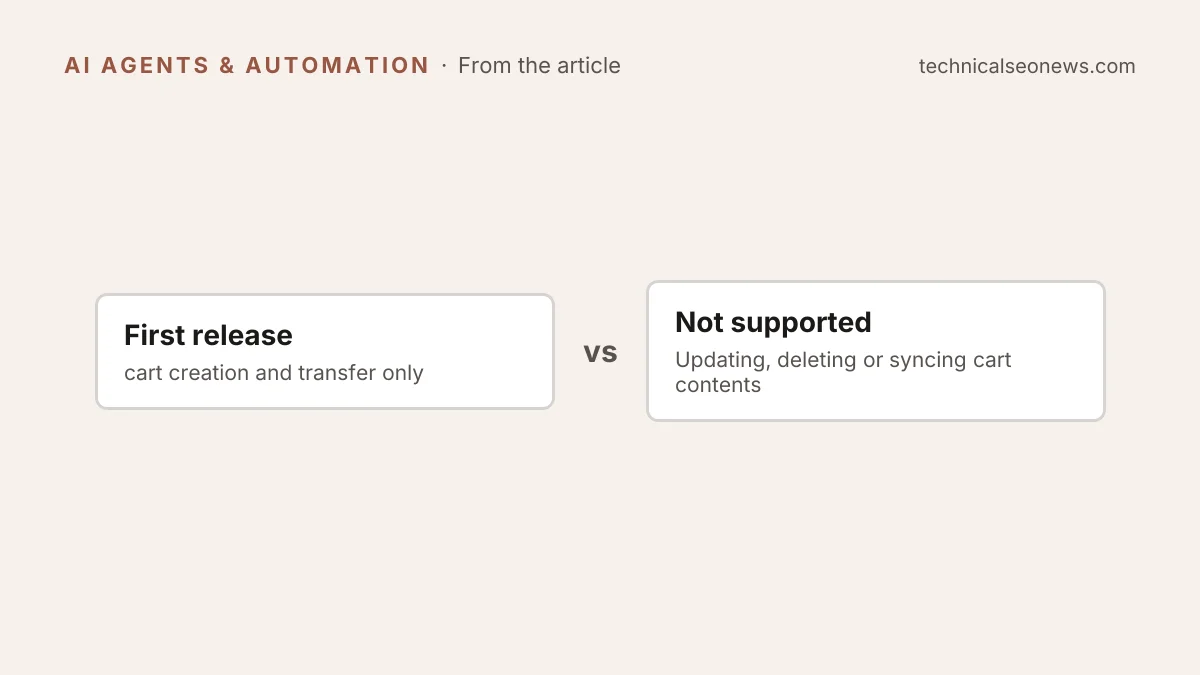
The transfer option runs on the Cart API in UCP. Google’s developer docs describe a CreateCart call that builds a cart on the merchant’s system at the moment a shopper transfers items, and say this first release covers cart creation and transfer only. Updating, deleting or syncing cart contents between Google and the store is not supported.
The copy that lands on the store’s system is fixed at the moment of handoff, and Google’s docs say nothing about what happens after. The better bet is to build the receiving end as a one-time write rather than a cart that will stay in step with Google. Re-check price, stock and promotion eligibility when CreateCart arrives, because nothing in this release will tell the store later that Google’s copy changed, and nothing will tell Google that an item sold out. A shopper may save an item, get one of the cart’s price-drop alerts weeks later, and arrive with a cart the store has to re-price on the spot.
Reporting begins only when a shopper clicks Buy or transfers the cart. The UCP Analytics Reporting dashboard in Merchant Center tracks the funnel from clicks on the Buy button through purchases and cancellations, and Google’s Merchant API reference for the same data adds cart transfer metrics such as the number of transfers and the average cart value at transfer. That API reporting is in alpha. None of those pages lists a metric for products saved to a cart, so cart building inside Google stays invisible to the store.
Shopify stores may already have a Google checkout switched on. Shopify’s help documentation for its Google AI Mode and Gemini channel, per SEJ’s reporting, says Direct Checkout is enabled by default for eligible US stores, and that Google Analytics and Custom Pixels do not fire when a customer completes a purchase through it. Those sales reach order data without ever touching the analytics most teams read, which is the same kind of gap that made ChatGPT clicks look like direct traffic. SEJ reports it could not determine whether in-cart purchases from Shopify merchants run through that same checkout process, so a store on Shopify should not assume the two behave alike.
What to do
- Open the UCP integration hub in Merchant Center if the account has access, and choose native checkout or cart transfer deliberately.
- On Shopify, check Sales channels > Agentic in the admin to see whether Direct Checkout is on, since it is on by default for eligible US stores.
- Treat CreateCart as a one-shot write. Validate price, stock and promo codes at creation time, and do not build anything that waits for an update from Google.
- Count the sales that Google Analytics will not record, using order data or server-side tracking, before reading a flat analytics line as weak demand.
- Skip planning for YouTube and Gmail. Google said in May that both would come later, and the launch post gives no timeline.