Cross-format structured data conflicts pass validation undetected
Summary
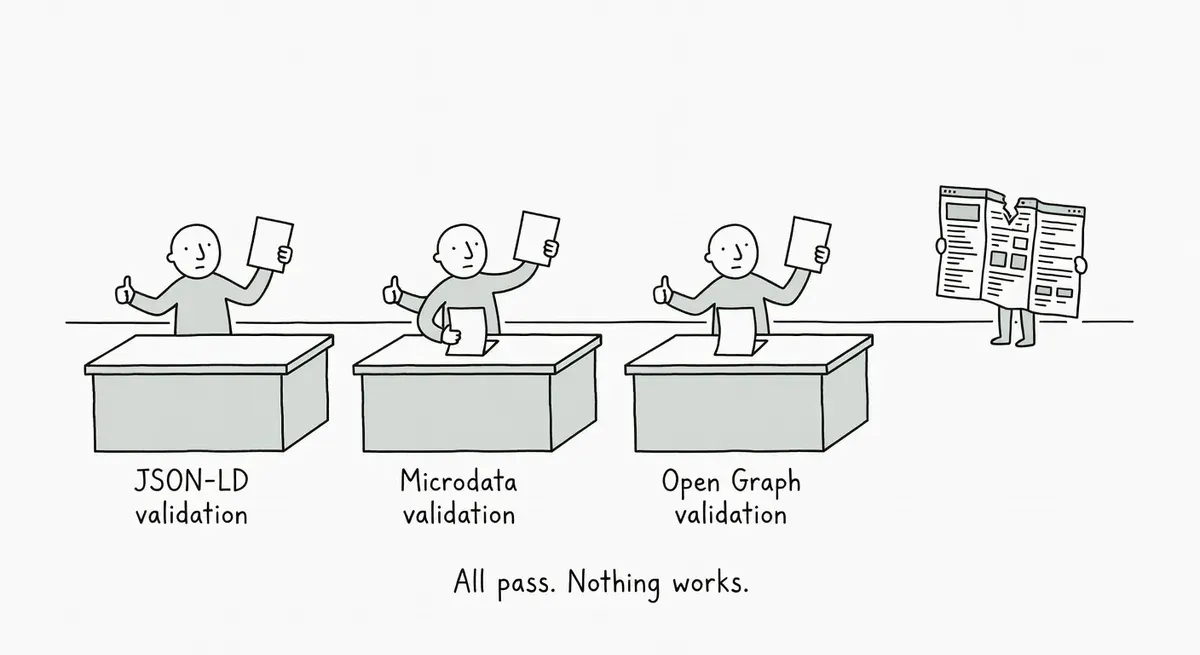
Pages mixing multiple structured data formats (JSON-LD, Microdata, RDFa, Open Graph) can have conflicting values that pass validation undetected by Google's standard testing tools.
Google's validators check formats independently, so conflicting prices, names, or descriptions across formats both pass. Conflicts commonly happen after CMS migrations or when plugins layer markup over existing theme code.
Audit your templates for multiple formats describing the same entity, pick JSON-LD and remove redundant Microdata or RDFa, and cross-check Open Graph tags against your schema.org data.
What happened
A post in r/TechSEO shared a tool from 8gwifi.org that validates JSON-LD, Microdata, RDFa, Open Graph, and Twitter Cards on a single page. The post drew attention to a practical gap: pages that use multiple structured data formats simultaneously can produce conflicting signals, and the standard validation tools don’t flag those conflicts.
Google’s own documentation recommends two tools for structured data testing. The Rich Results Test checks which Google rich results a page can generate. The Schema Markup Validator, which replaced the old Structured Data Testing Tool, validates schema.org markup without Google-specific warnings. Neither tool cross-checks one format against another.
Schema.org confirms that its vocabulary supports three encodings: RDFa, Microdata, and JSON-LD. Over 45 million web domains use schema.org markup. The standard doesn’t prescribe using only one format per page, which means mixing formats is technically valid even when the resulting data conflicts.
Why it matters
Many sites end up with multiple structured data formats by accident. A CMS might inject Microdata into product templates while a plugin adds JSON-LD for the same entity. A theme could embed RDFa attributes on article pages alongside a separately managed JSON-LD block.
Open Graph and Twitter Card meta tags add yet another layer of metadata that can contradict the schema.org markup.
The problem is that each format validates independently. You can run your page through the Rich Results Test and the Schema Markup Validator, get clean results on both, and still have conflicting information across formats. A JSON-LD Product block might declare a price of $49.99 while Microdata in the HTML shows $59.99. Both pass validation. Google has to pick one, and you don’t control which.
Cross-format conflicts are especially common on sites that have gone through CMS migrations, added third-party review widgets, or layered SEO plugins over existing theme markup. The larger the site, the more likely these silent conflicts exist.
What to do
Check whether your pages output more than one structured data format. View source on key templates and search for application/ld+json script blocks (JSON-LD), itemscope/itemprop attributes (Microdata), and typeof/property attributes (RDFa). If you find more than one format describing the same entity, you have a potential conflict.
Pick one format and stick with it. Google supports all three schema.org encodings, but JSON-LD is the format Google recommends in its documentation and is the easiest to manage because it lives in a standalone script block rather than being woven into HTML attributes.
Audit Open Graph and Twitter Card tags against your schema.org data. Product names, descriptions, images, and prices should match across all metadata formats. Mismatches between og:title and your JSON-LD name property won’t break anything, but they create ambiguity about what the page actually represents.
For large sites, automate the check. Crawl your templates with a tool that extracts all structured data formats per URL. Compare the entities and properties across formats programmatically. Flag any URL where the same property (price, name, rating) appears in multiple formats with different values.
Remove redundant Microdata or RDFa if you already have complete JSON-LD coverage. Leftover markup from old themes or plugins is the most common source of these conflicts.
Watch out for
Plugin stacking. WordPress sites with multiple SEO or schema plugins can each inject their own JSON-LD blocks. Two JSON-LD blocks for the same entity type on one page is just as problematic as cross-format conflicts. Check for duplicate @type declarations within the same format.
Review widget markup. Third-party review platforms often embed their own Microdata or JSON-LD for aggregate ratings. If your site also generates review schema through a plugin or CMS feature, you can end up with two competing AggregateRating objects with different values.