ChatGPT reportedly gets Google results from a scraping service
Summary
Live AI answers still lean on traditional search results. If the SerpAPI report is right, a page that does not rank in Google or Bing is unlikely to reach ChatGPT's answers, whatever OpenAI's own crawlers have seen.
Keep ranking work going. You can block GPTBot but should keep OAI-SearchBot allowed, and treat ChatGPT-User hits in server logs as the sign that answers are using your pages.
Botify’s post How AI Platforms Source Content, published November 6, 2025, repeats a late-August report that ChatGPT gets real-time Google results through SerpAPI, a third-party service that scrapes Google’s search pages and sells the results through an API. Botify, which sells enterprise SEO and log analysis software, adds that Meta and Perplexity are reportedly SerpAPI customers as well. Botify presents the SerpAPI detail as reported, not as something it confirmed.
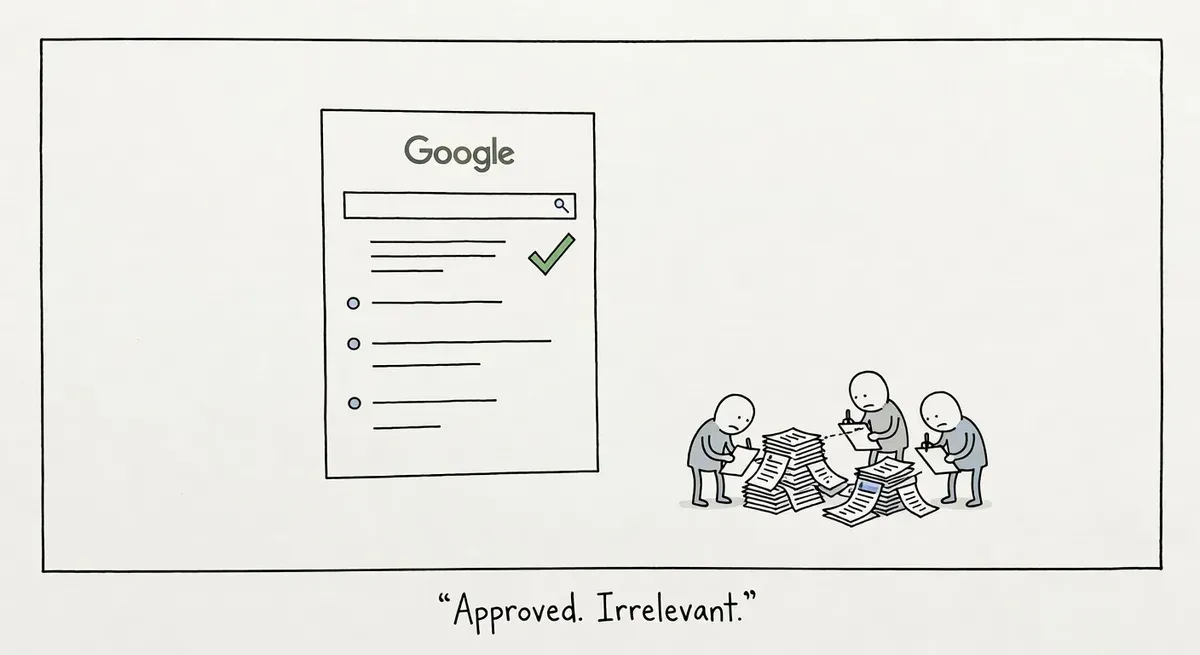
Botify uses the report to make a plainer point: live AI answers still start from search rankings. When ChatGPT needs something newer than its training data, it uses retrieval-augmented generation (RAG), which means fetching current pages and using them as context for the answer. Botify says retrieval “usually” examines the top-ranking results, that many models get those results from Bing’s Web Search API, and that other services use scraped Google results. The practical consequence is that a page ranking nowhere in Google or Bing has little chance of being pulled into a live answer.
Botify separates three ways AI platforms learn about a site:
- Website indexes. Google and Bing hold the fullest indexes, and ChatGPT, Claude and Perplexity reach them through APIs or services like SerpAPI. OpenAI, Meta and Perplexity are also building their own.
- Training data. Evergreen facts about a brand end up in the model, usually with a cutoff a year or more before release, so current offers do not.
- Retrieval. Fresh information such as prices, inventory, promotions and news reaches answers only through live fetching.
OpenAI’s three bots
OpenAI runs a separate crawler for each of those routes, and Botify’s post describes them:
| Bot | What it does, per Botify |
|---|---|
| GPTBot | Crawls pages to train the next GPT model |
| OAI-SearchBot | Crawls pages for OpenAI’s own search index, like Googlebot or Bingbot |
| ChatGPT-User | Fetches pages when a person asks ChatGPT a question |
Botify calls ChatGPT-User “incredibly valuable as an indicator” of whether content is being used, because people asking questions in ChatGPT trigger its visits. Botify’s post does not lay out the full sequence, but the likelier flow for a live answer is that a ranking list, from Bing’s API or scraped Google results, picks the candidate pages and ChatGPT-User then fetches them. If that is right, a site can see ChatGPT-User requests on pages OAI-SearchBot has never crawled, so a low OAI-SearchBot count does not mean ChatGPT ignores the site.
Blocking works differently for each bot. OpenAI’s crawler documentation says each setting is independent, and that sites opted out of OAI-SearchBot will not be shown in ChatGPT search answers. It also says robots.txt rules may not apply to ChatGPT-User, because a user starts those fetches.
JavaScript is a second way to drop out. Botify says “most AI bots can’t render JavaScript at all.” The likely result for a page that builds its content in the browser is that it ranks because Googlebot renders it, lands on ChatGPT’s candidate list through those Google results, and still hands ChatGPT-User a near-empty page.
What to do
- Keep investing in Google and Bing rankings. On Botify’s account, those rankings choose the pages that retrieval reads.
- Write a separate robots.txt group for each OpenAI bot. A training opt-out for GPTBot says nothing to OAI-SearchBot, and OAI-SearchBot must stay allowed on anything you want in ChatGPT search answers. A site that wants out of training but in answers could use:
User-agent: GPTBot
Disallow: /

User-agent: OAI-SearchBot
Allow: /

User-agent: ChatGPT-User
Allow: /
Do not count on a ChatGPT-User block to keep pages out of answers, since OpenAI says robots.txt may not apply to it.
- Segment server logs by bot and watch ChatGPT-User requests as the sign that ChatGPT answers are using your pages. Botify also recommends that pages load quickly and return consistent 200-status responses, so check the status codes those requests get.
- Put the main content in the HTML the server sends. Botify recommends serving pre-rendered versions of pages to bots, and says structured data makes content easier for bots to read.