Google recrawls PDFs slowly, so publish updates at a new URL
Summary
Google converts PDFs to HTML for indexing but recrawls them about as rarely as it recrawls images, so an edited file can keep serving its old content in search results long after the change.
Publish an updated PDF at a new URL instead of overwriting the old file.
Google turns every PDF it indexes into an HTML representation, then recrawls that file far less often than it recrawls a web page. Google’s Martin Splitt and John Mueller described both behaviors in a Search Off the Record episode called “PDFs in Search: Indexing, AI & Pitfalls”, covered on 2026-10-13 by Search Engine Roundtable.
A PDF is a binary container rather than plain text, so a converter component in the indexing pipeline produces an HTML version of it and the rest of Google’s systems handle that version like an ordinary page. Text links inside the document survive the conversion and get crawled normally. Converted PDFs index and rank through the same systems as HTML documents, can appear in AI Overviews, and are available to AI models for grounding and training.
Images inside a PDF do not survive in the same way. They have no standalone URL, so they generally cannot be processed into Google Image Search the way an image on a web page can. A chart that exists only inside a report PDF will not show up in Image Search, so a diagram meant to earn traffic of its own needs to sit on an HTML page with its own image file.
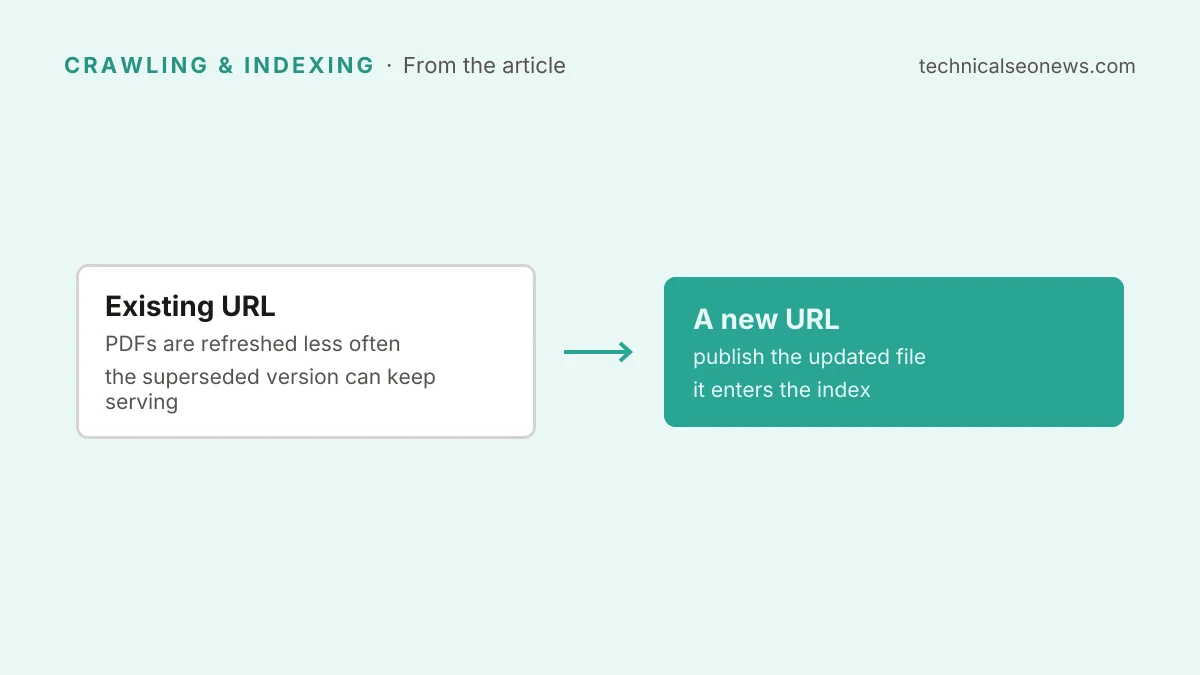
The recrawl gap is what catches site owners out. Google treats PDFs as relatively static binary files, closer to how it treats images than how it treats pages, and recrawls them much less frequently than HTML. Overwrite a price list or a policy document at its existing URL and the superseded version can keep serving in search results well after the edit. Splitt and Mueller’s answer is to publish the updated file under a new URL or file name, so it enters the index as a new document instead of waiting for a slow recrawl.
The podcast does not say what to do with the retired URL. Redirecting it to the new file is the ordinary handling, and it keeps existing links and any accumulated ranking pointed at the current version. For a planning number, Google has published timing ranges for recrawls and site moves, where a refresh of a known URL typically takes about 30 days, and PDFs are refreshed less often than that.
Automatic PDF generation in a content management system creates the same staleness on purpose. A “print this page” feature that publishes a PDF copy of every live page puts two versions of the same content in the index competing with each other, and the PDF is the copy that drifts out of date because it is recrawled least often.
Identical PDFs are exact binary duplicates, which makes cross-domain canonicalization hard when the same file is hosted in more than one place. Splitt and Mueller suggest three mitigations: serving a rel=canonical HTTP header with the file, filling in the PDF’s own metadata fields, and placing a prominent link back to the source site in the document header.
Three other failure modes stop a PDF from being read at all, or from being usable once it is:
- Scanned or rasterized pages carry no text layer, so search engines cannot read the content without OCR. Test by selecting text in the PDF and pasting it into a text editor; if nothing pastes, Google has nothing to index either.
- Password protection blocks search engine bots from reading or indexing the content entirely.
- Mobile delivery suffers because a PDF has to download completely before it renders, and its fixed print layout does not reflow when someone zooms in. A badly structured file is also a barrier for screen readers.
What to do
Default to HTML. It is easier to edit, it responds to small screens, and it indexes faster. Keep PDFs for content that genuinely needs rigid print formatting, a form someone fills in offline, or paper documentation. Splitt and Mueller accept a restaurant menu as a PDF when an HTML version is not practical.
For the PDFs that stay, three changes cover most of the risk. Publish updates at a new URL and redirect the old one rather than overwriting the file in place. Turn off any CMS feature that auto-generates PDF duplicates of live pages, or keep its output out of the index. Check that your important PDFs contain real text and not scans, and that none of them sit behind a password.