A wildcard DNS record got made-up subdomains indexed and ranking
Summary
When DNS and the web server both answer for any hostname, every made-up subdomain becomes a working copy of the site. Google can index those copies and even rank them, as one dating network found.
The fix is a 301 from every unknown hostname to the same path on www, set at the web server. Keep the wildcard record until the phantom URLs have left the index, and do not block or 404 the ones that still rank.
A site owner who runs a network of dating websites posted on r/bigseo about a wildcard DNS record. Because of it, any subdomain of their domains loaded exactly like the www version. Google had indexed pages on nonsense hostnames such as dhfbi.sitename.com/sometrackinghere. Some of those pages ranked well and drew traffic. The owner wanted to 301 them to www but feared the move would lose the listings instead of transferring them.
How a made-up subdomain becomes an indexed page
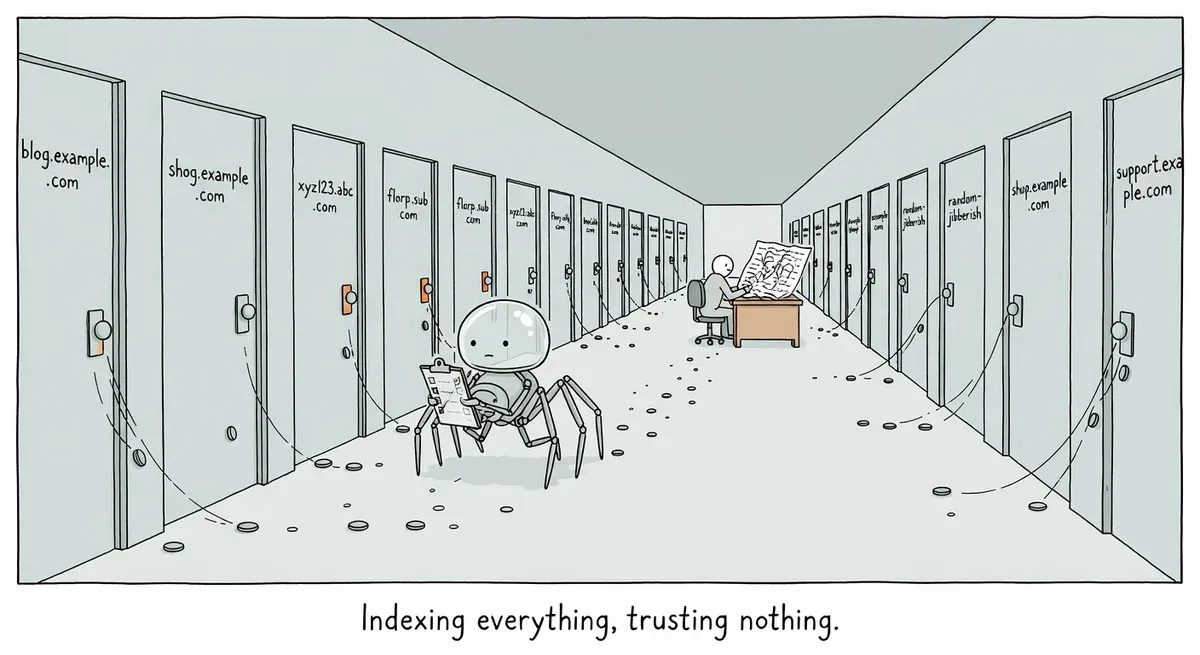
A wildcard DNS record (*.sitename.com) points every possible subdomain at the same server. In the owner’s setup, the server then answered every hostname it received with the full site. Nothing checked whether dhfbi was a real host, so every invented subdomain returned a normal page with a 200 status.
The post does not say how Google found those hostnames. The likelier route is a link somewhere pointing at them, since Googlebot follows the links it finds and a wildcard host answers every one of them with a working page. From there, Google sees a second copy of the site on a separate host. It has to pick one version to show, and sometimes it picks the wrong one.
The owner says www is the canonical version. Even if the phantom pages carried a canonical tag pointing to www, that tag is only a hint Google can override, for reasons like the ones in Mueller’s list of why Google picks a different canonical. A redirect is harder to ignore because it removes the duplicate altogether.
The 301 is the right call
Both replies in the thread told the owner to redirect. One commenter wrote that moving a listing is “LITERALLY the point of 301”. Another warned of “some ranking variability” but described the redirect as telling Google “same house, different address.”
Google’s Consolidate duplicate URLs documentation supports them. It calls redirects a strong signal that the target should become the canonical. It also says consolidation merges signals, such as links to the duplicate, into the preferred URL. The ranking phantom pages should therefore hand their positions to the matching www pages, with some short-term movement. Leaving an unlimited number of duplicate hosts live is the bigger risk.
What to do
- Fix it at the web server, not in DNS. Serve content only for hostnames you actually use, and send every other hostname to the same path on www with a 301. Keeping the path matters because each phantom URL should land on its own equivalent page, not the homepage. Scope the catch-all to the one domain, so a server that hosts several sites does not redirect the others too. In nginx that looks like:
server {
    listen 443 ssl;
    server_name www.sitename.com;
    # normal site config
}

# Every other subdomain the wildcard record sends here.
# Needs a certificate valid for *.sitename.com.
server {
    listen 443 ssl;
    server_name *.sitename.com;
    return 301 https://www.sitename.com$request_uri;
}-
Keep the wildcard DNS record until the phantom URLs have dropped out of the index. If you delete it first, those hostnames stop resolving. Google never sees the redirect and drops the listings instead of moving them. The same goes for returning 404 on phantom hosts that still rank.
-
Redirect to clean URLs. The owner planned to add tracking parameters to the redirect target. If you do, make sure each www page carries a self-referencing canonical to its parameter-free URL. Google’s documentation uses a
gclidURL as its example of a duplicate to fold into the clean version. -
Point internal links at www only. Google’s documentation says linking consistently to the canonical URL helps Google understand your preference.