Migration rollbacks should hinge on lost revenue, not traffic dips
Summary
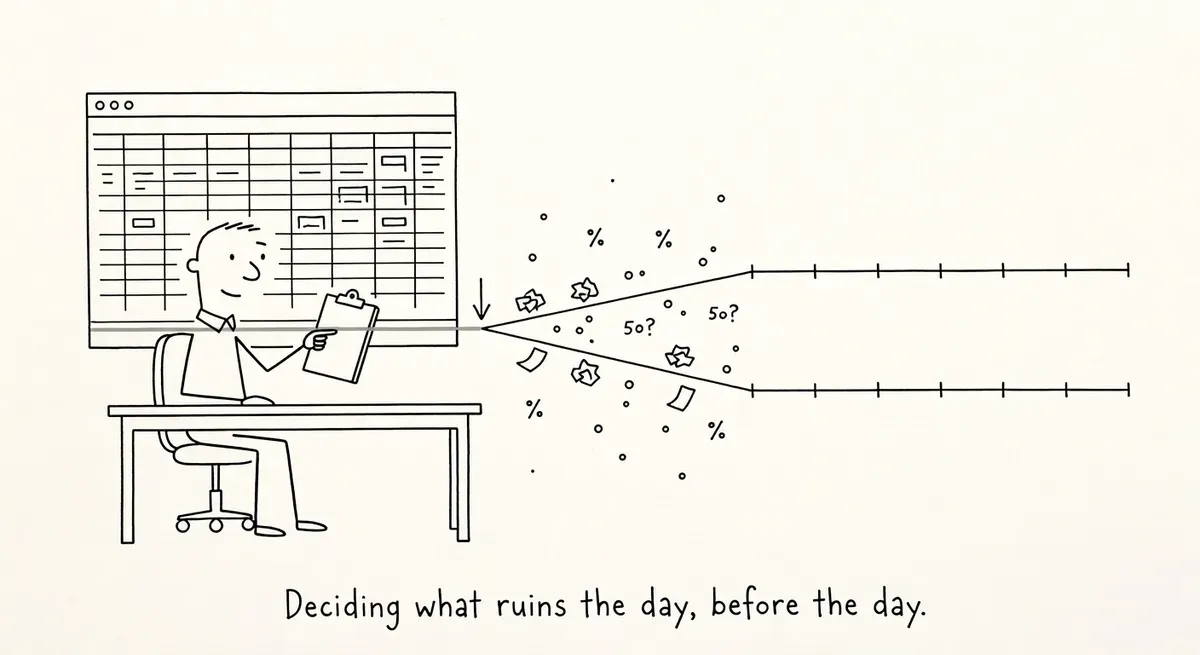
A traffic drop after a migration is expected, and on its own it is not a reason to roll back. The trigger should be a revenue or lead level the business agreed on before launch.
Before declaring a disaster, confirm that analytics and Search Console still measure what they measured before the move. Then check noindex tags, robots.txt and redirects. Roll back only when the agreed line is crossed and the fault cannot be fixed quickly.
Whether to roll back a failing site migration should depend on revenue and lead thresholds agreed before launch, not on how bad the traffic graph looks. Brendan Bennett, principal SEO consultant at Candour, a search marketing agency, makes that argument in Sitebulb’s guide to migration disaster recovery, published April 29, 2026. Sitebulb makes a website crawler, and the guide recaps Bennett’s session at the end of its three-part migration series.
Bennett starts from the point that some traffic loss after a migration is normal. The benchmark is the forecast made before the move: projected traffic loss and estimated revenue impact, compared week by week once the new site is live. Without that forecast, in the guide’s words, “every dip looks like a disaster.” If revenue and leads stay roughly stable while traffic falls, the guide’s advice is to wait. The situation changes once the site is losing money.
Before treating a drop as a disaster, Bennett asks four questions:
- Has revenue or lead volume crossed a danger threshold?
- Has Google had enough time to process the migration?
- Is the trend moving in the right direction, even slowly?
- Is the data sound?
Time alone cannot settle the question. The guide cites Google’s documentation as saying it takes around 180 days after a change of address for Google to stop treating the old domain as a serious entity. Bennett has seen recoveries take more than a year, with long-tail losses showing up after the main traffic line has settled. The guide’s conclusion is that there is no fixed timeline, so the benchmark is whatever thresholds the team agreed in advance.
The example Bennett uses is the domain migration by WooCommerce, the WordPress e-commerce plugin, which ended with a full rollback to the old domain. The guide does not know WooCommerce’s internal reasoning. It assumes the company hit a pre-defined threshold where waiting was no longer viable, and treats the rollback as a planned exit rather than a failure.
Bad data can fake a disaster
Migrations often change analytics setups, so the post-launch numbers may not measure the same thing as the pre-launch ones. The guide lists the usual culprits. New GA4 cookie consent settings or event tracking can produce drops that are not real. A move from a URL-prefix Search Console property to a domain property changes the scope of the report. A November launch compared against the months before it may just be a seasonal trough. Google also serves old and new URLs side by side for a while, so clicks still credited to redirected URLs can simply mean Google has not finished processing the change.
What to do
- Before launch, write down the revenue and lead levels that would trigger a rollback, next to the projected traffic loss, and get the team to sign off on them.
- After launch, check the data before judging it. Keep the GA4 configuration comparable, compare the same seasonal periods, and set up several Search Console properties (HTTP, HTTPS, www, key subfolders) so old and new scopes line up.
- Run the basic crawl and indexing checks. Look for a sitewide noindex left over from staging, canonicals that point to dead or wrong URLs, and robots.txt rules blocking a hop in the middle of a redirect chain. Crawl only the redirect list to catch loops, chains and wrong destinations. Use the Search Console indexing report to find old URLs Google is requesting that were missing from the redirect map. Also check whether catch-all domain redirects turn old 301s into two-hop chains.
- Open the Crawl Stats report, which sits in Search Console’s settings menu. It shows how each Googlebot type is crawling the site, and its response breakdown lists URLs by response type, including 4xx errors, redirects and pages not reached. That can point to a CDN or server change that is blocking Google.
- Roll back only when the agreed threshold has been crossed and the underlying problem cannot be fixed quickly.