Indexed in Search Console does not mean Google will show the page
Summary
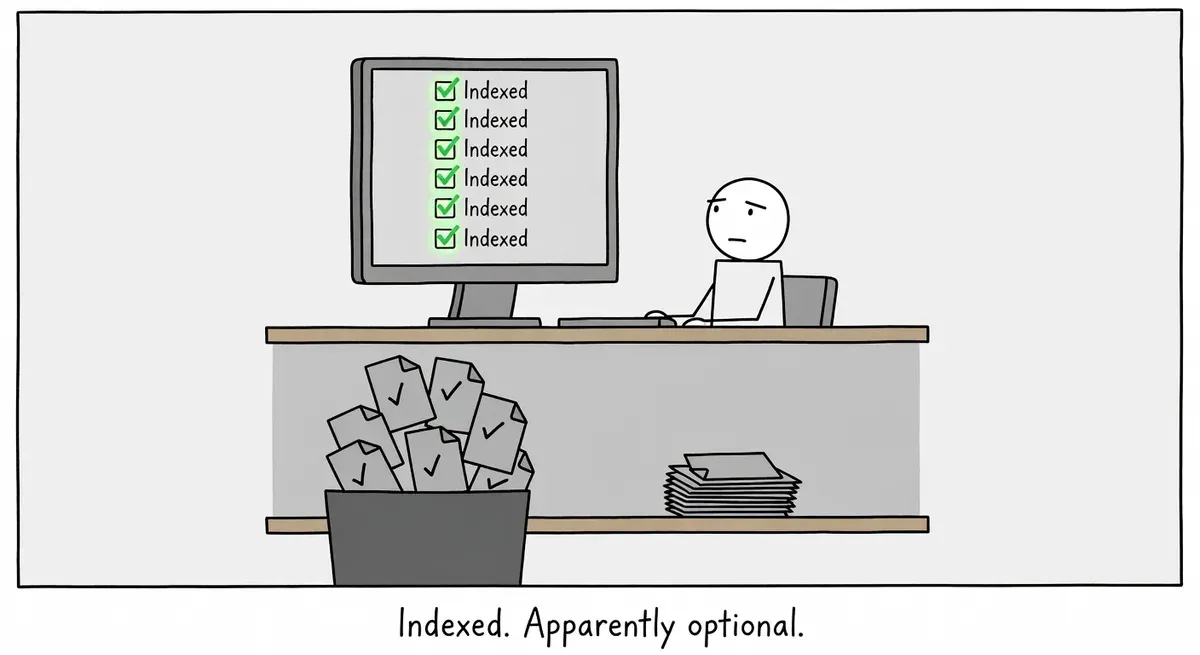
Search Console's "indexed" status only says Google has stored the page. Whether Google shows it is a separate decision made for each search, and Google says irrelevant content, low quality, or robots meta rules can stop it.
Filter the Performance report by the page's URL before doing anything else. Impressions mean Google is serving the page, just for other searches or lower down than you looked. No impressions point to the content or a robots meta rule.
A site owner asked in the r/bigseo subreddit why Google Search Console reports some of their blog posts as indexed while the posts never turn up for relevant queries or for a site: search. The owner had requested indexing by hand for the new posts the month before and checked that every URL showed as indexed. The replies offered little. One commenter asked how long ago the pages were indexed, and another suggested the posts might be indexed but sitting on page 58 of the results.
Google’s guide to how Google Search works answers the question directly. Google describes three stages, crawling, indexing, and serving, and says not every page makes it through each one. Indexing means Google has analyzed the page and stored it in its database. Serving is a separate decision made at query time, when Google returns the results it judges most relevant and highest quality. The guide covers the Reddit poster’s exact situation: Search Console might say a page is indexed while you don’t see it in results, and Google gives three possible reasons.
- The content on the page is irrelevant to users’ queries.
- The quality of the content is low.
- Robots meta rules prevent serving.
An “indexed” status in URL Inspection is therefore a statement about the second stage only. It says nothing about whether Google will show the page for any search.
The Performance report shows whether Google serves the page
The poster added one detail that decides the diagnosis: Search Console “still show impressions and traffic.” The post does not say whether those impressions belong to the missing blog posts or to the rest of the site. If the Performance report shows impressions for a blog post’s own URL, Google is serving it, just for other queries or lower in the results than the owner looked. If it shows none, Google is not serving the post for any search, and the three reasons on Google’s list are where to look.
Manual searches are a poor test either way. Google’s guide says relevance depends on the searcher’s location, language, and device, so an owner’s own results can differ from what other people see. The Performance report counts impressions from real searches, so it answers the question that a manual search, or paging through to result 58, only guesses at.
What to do
- In Search Console’s Performance report, filter by the exact page URL and set the date range to cover the time since the page was indexed. Filter per page, because a healthy site-wide impression count hides pages that have none.
- If the page has impressions, open the Queries tab. Those are the searches Google showed it for, and the average position shows how far down it sits. When those queries differ from the ones you targeted, the fix is in the page’s content, not in Search Console.
- If the page has no impressions, compare it with what already ranks for its target queries. Irrelevance and low quality are the first two reasons on Google’s list.
- Check the page’s robots meta tag for rules that restrict serving, the third reason Google gives.
Requesting indexing again is unlikely to help. The page is already indexed, and the gap sits at the serving stage.