WordPress's official AI agent plugin exposes what plugins allow
Summary
Agent access to a WordPress site is now a default-available feature rather than a GitHub experiment, and the surface it opens is decided by plugins, not by the adapter.
The audit target is the list of abilities that installed plugins register and mark public, plus the capabilities of whatever account an agent authenticates as.
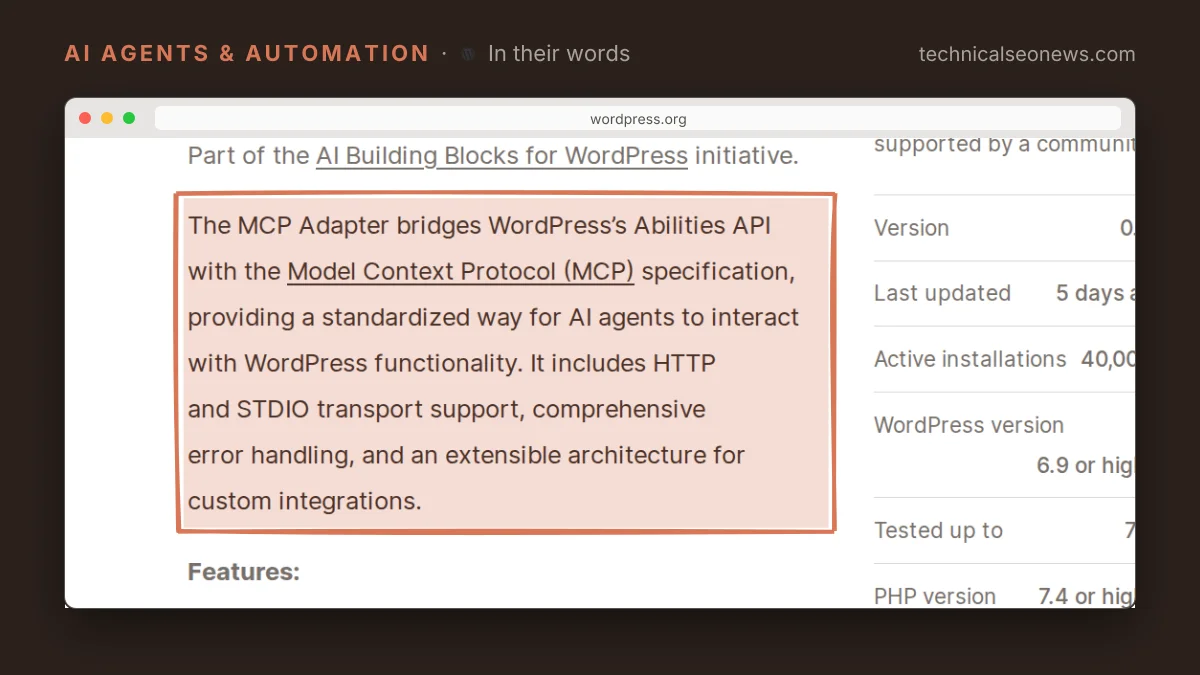
WordPress’s MCP Adapter is now in the WordPress.org plugin directory, with version 0.7.0 the first release available there rather than only from GitHub. Search Engine Journal’s report puts the plugin at more than 40,000 installations already, accumulated while the plugin was only available from GitHub, and quotes Jason Adams, Automattic’s director of engineering for AI, calling it the canonical MCP plugin for WordPress and saying it uses the Abilities API to handle authorization rather than duplicating that logic.
MCP, the Model Context Protocol, is the Anthropic standard that lets an AI system call an application’s functions and read its data. The adapter’s job is translation. It converts WordPress abilities into MCP tools, resources and prompts, and exposure is decided one ability at a time: an ability is reachable over MCP only if it has been marked public.
The adapter therefore ships almost no agent surface of its own. What an agent can do on a given site is the set of abilities the installed plugins registered and published. Install the adapter on a site where nothing else registers abilities, and an agent can connect and find almost nothing to call.
The thing to audit is that list of abilities, not the adapter’s settings. Yoast already registers abilities that let agents rewrite canonicals and robots flags across many URLs at once. On a site running both plugins, a connected agent can change indexing directives in bulk, and nothing in the adapter decided that was allowed. The plugin author did, when they marked the ability public.
Authorization lands in the same place. The plugin listing says existing permission callbacks and capability checks still apply, so an agent is not a new class of visitor with its own permission tier. It acts with the capabilities of the account it authenticated as, the same model Vercel used when it shipped in-page agents that call site tools as the logged-in user. Treat an MCP connection as a login rather than as a tool integration, because an agent connected as an administrator inherits administrator capabilities across every public ability on the site.
None of this is a crawler question. Training crawlers such as GPTBot and retrieval bots such as OAI-SearchBot never reach this path, and robots.txt has no bearing on it. Access runs through an authenticated endpoint, which leaves account capabilities and ability exposure as the only controls that matter.
What to do
- Inventory abilities before connecting anything. Work out which installed plugins register abilities and which of those are marked public. That list is the agent surface.
- Give an agent its own account at the lowest role that finishes the job, and keep administrator credentials out of MCP clients.
- Recheck exposure after plugin updates. A plugin can mark a new ability public in a release and widen the surface without anyone touching the site’s own configuration.
- Check the requirements before installing, since the directory listing needs WordPress 6.9 or higher and PHP 7.4 or higher.