mcp-handler 2.2.0 exposes MCP tools to in-browser agents
Summary
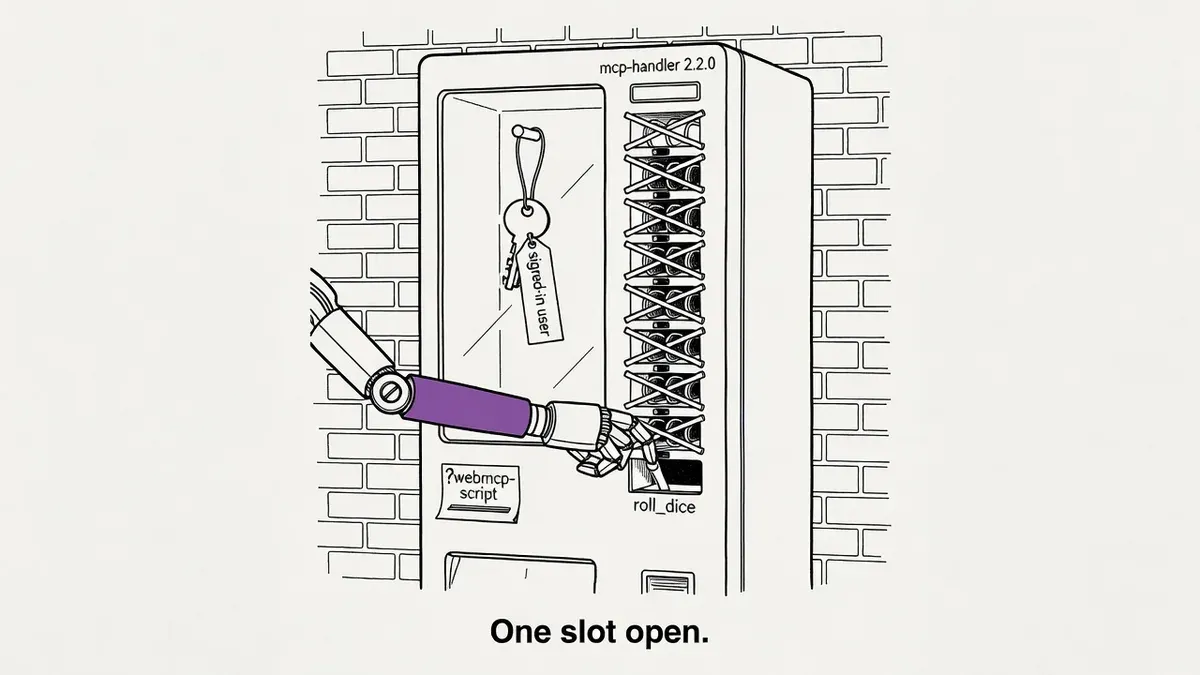
Vercel's mcp-handler 2.2.0 adds experimental WebMCP support. An experimental_webMcp allowlist plus a webmcp-script tag registers your MCP tools with in-browser agents, and the script proxies every call back to your server as the signed-in user.
No browser OAuth flow is needed, which is both the convenience and the risk. Anything else running on the page can reach the same endpoint with the same session cookies, so the allowlist is the security boundary.
What happened
Vercel shipped experimental WebMCP support in mcp-handler 2.2.0. The Vercel changelog, dated September 18, describes WebMCP as the proposed web standard for exposing tools to in-browser agents. mcp-handler is a framework-agnostic HTTP adapter for hosting Model Context Protocol servers, and it runs on Next.js, Nuxt/Nitro, SvelteKit, Hono and other Fetch-compatible frameworks.
Turning it on takes two changes. Tools opt in through an experimental_webMcp object on the handler config, and the page loads a script from the MCP endpoint using a ?webmcp-script query parameter.
// app/api/mcp/route.ts
const handler = createMcpHandler(
  (server) => {
    server.registerTool("roll_dice", /* ... */);
  },
  {
    experimental_webMcp: {
      tools: ["roll_dice"],
    },
  },
);<script src="/api/mcp?webmcp-script" async></script>The script asks the endpoint for its tool list, registers the allowlisted ones with modelContext.registerTool(), and proxies each call back to the MCP server as the signed-in user. Session cookies carry the user’s identity on those calls, so tools behind a login work without a browser-side OAuth flow.
Why it matters
WebMCP touches exactly one class of AI client: agents that run inside a browser on a live page. Training crawlers and AI search retrieval bots never execute the script, so GPTBot and PerplexityBot see nothing new on your site.
The bar for shipping agent tools just dropped to a version bump and a script tag. Before this, exposing tools to an in-page agent meant hand-writing registrations in client-side JavaScript and solving authentication separately for anything behind a login. The server-side proxy removes that second problem. Site owners weighing whether to build for agents at all can read our earlier coverage of agent runtimes controlling how AI reads your site.
The proxy is also where the risk sits. The bridge documentation says to expose only tools that are safe to call on the user’s behalf, because session cookies carry the user’s identity into every proxied call. A third-party tag, an injected script or a compromised dependency on the same page can reach the same endpoint with the same cookies.
For a marketing site with read-only tools, the exposure is small. For a logged-in dashboard, every tool you list becomes a credentialed action available to whatever else is running on the page.
What to do
Audit the allowlist before you touch anything else. The WebMCP bridge documentation calls the allowlist mandatory and says to expose only tools that are safe to call on the user’s behalf. Anything that writes, deletes, sends or spends stays out of the tools array.
Check how your endpoint authenticates. Cookie sessions pair naturally with the bridge. If your endpoint verifies bearer tokens instead, the documentation says you need a same-origin backend-for-frontend layer, meaning a server route on your own domain that holds the token and forwards the call.
Harden the entry points next. Gate cookie authentication on the Sec-Fetch-Site: same-origin request header, reject cookie-authenticated calls that arrive cross-origin, and if you run a nonce-based Content Security Policy, put the request nonce on the script tag.
Confirm your endpoint is a stateless 2025-06-18 Streamable HTTP endpoint, which is what the bridge targets. The bridge does not manage MCP sessions or persistent notification streams.
If you do not already run an MCP server, no action is needed yet. Traffic will be negligible for now, since the feature needs a browser that implements the WebMCP provider, and the API is still a W3C community group proposal.
Watch out for
Registration happens once. Tool registration happens once per script execution. Tools you add to the server later will not appear until the page reloads, and individual failures are logged without blocking the remaining registrations.
Server-side calls do not update the page. An agent can change state through a proxied tool while the rendered view stays stale, so a user can be looking at data the agent already edited. Cancelling a call does not guarantee a server-side rollback either.
The API can still change. WebMCP is a W3C Web Machine Learning Community Group proposal under active development, and both the browser API and its availability may shift. A secure context and an origin-isolated document are required.