Yoast lets AI agents rewrite canonicals and robots flags in bulk
Summary
Canonical, robots flags, cornerstone and schema type in Yoast SEO are now writable by any connected MCP client, and the only permission layer is whatever capabilities the connected WordPress account already holds.
Undo lives in the chat session, not in the database. Audit which roles can edit posts before connecting an agent, and have it read a post's current values before every write.
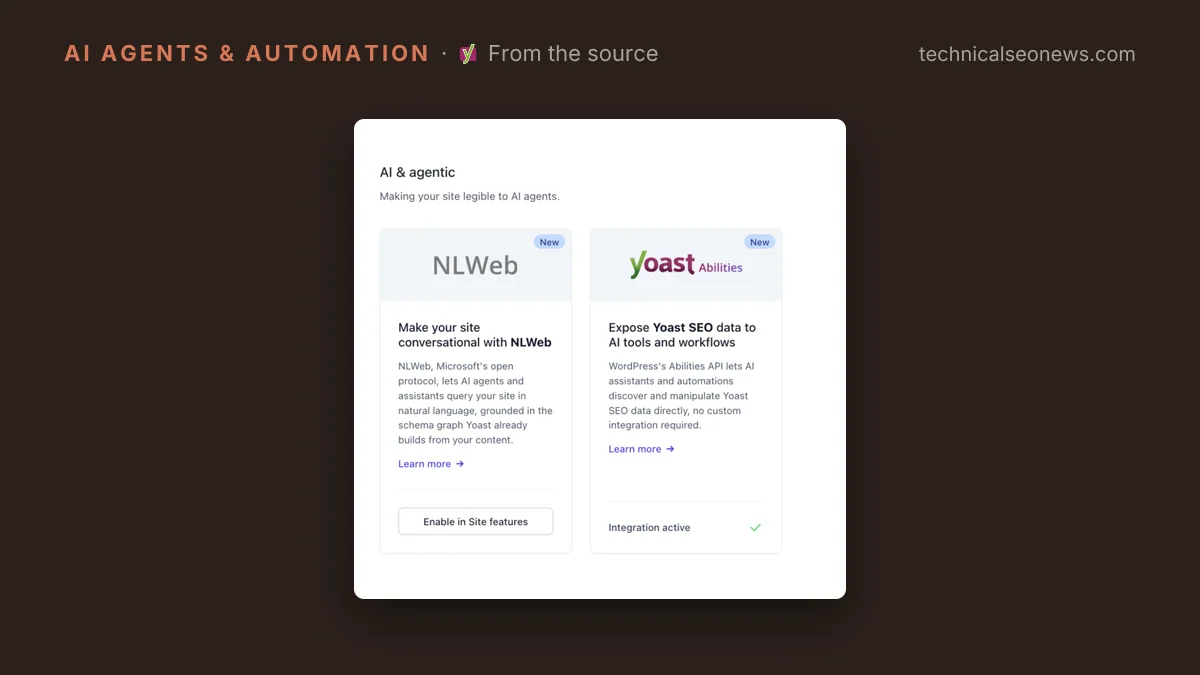
Yoast SEO can now change a post’s canonical URL, robots flags, cornerstone status and schema type on an AI tool’s instruction, across many posts in a single call. Yoast’s release post, published September 29, describes the new Abilities as closing the gap left by its April release, which let an agent read SEO, readability and inclusive language scores but gave it no standard way to change the underlying fields. The write side ships as part of Yoast SEO, not as a separate add-on.
The plumbing is WordPress’s Abilities API. Once the WordPress MCP Adapter is connected, each ability becomes a callable tool in any client that speaks the Model Context Protocol (MCP), the standard AI assistants use to call outside tools. Yoast names Claude Desktop, Claude Code, Cursor and VS Code, and requires that you connect your own LLM subscription first. Bulk and batch operations apply a get, update or filter across several posts at once and return per-post results.
Yoast says access follows native WordPress capability checks, with no separate permission system to learn, which it frames as an auditing convenience. The consequence is that an agent inherits whatever the connected account can already do in wp-admin, at the speed of a bulk call. Yoast’s post does not spell out which capability governs each write, so the safer assumption is that any role able to edit a post can now change its canonical and set it to noindex through a chat window.
The undo is the chat session
Rollback is thinner than the word suggests. Any change made through the Abilities API can be reversed as long as the AI tool still holds the changed values in context, which is why Yoast recommends reading a post’s SEO data before updating it and staying in that session to review the result. Once the context is gone, the previous value goes with it. There is no version history sitting behind this.
A made-up example shows the gap. An agent is asked to clean up thin tag pages and answers by setting noindex on thirty of them in one bulk call, with no read first. The per-post results come back clean, because every write succeeded. Restoring the old robots flags then means reconstructing them from a crawl or a database backup rather than from Yoast.
One field did get fenced off. The focus keyphrase stays read-only, because an automatic change there would invalidate content briefs and skew every assessment that follows. That reasoning protects the field feeding Yoast’s own scoring, while the fields left writable are the ones that decide whether a page is indexed at all. The likelier explanation is that Yoast treated canonical and robots as settings an SEO changes deliberately, which is true, rather than as the settings with the worst outcome when an agent misreads the intent. A canonical pointed at the wrong URL is not cosmetic, as the case where JavaScript error pages handed indexing to another site showed.
What to do
Treat connecting the adapter as granting write access to indexation controls, and work through this before you do it:
- List which accounts hold post-editing capabilities, especially on multi-author sites and agency-managed builds where old contributor and editor accounts accumulate.
- Connect under a dedicated account with the narrowest role that still does the job, not the administrator login you already use for everything else.
- Make the read call part of the write. Fetch current values first, and keep the session open until the change is confirmed on the live page.
- Address posts by ID when writing. Title search is the convenient way to find a post from a plain-language description, and the easiest way to hit the wrong one.
- Keep batches small enough that the per-post results are worth reading, and check index coverage after any session that touched robots flags or canonicals.
Nothing here requires turning the feature off. The setup step that matters is the role audit, and it is cheaper to do before the first bulk call than after it.