Yoast SEO lets AI tools and dashboards read its content scores
Summary
Assistants and dashboards connected to a WordPress 6.9 site can now pull Yoast's scores for recent posts with no custom code. The clearest gain is reporting across many sites from one place.
Those scores measure Yoast's on-page checks, not indexing or rankings, so treat an assistant's "SEO health" answer as a content-quality check. Give each tool its own application password, and test what it can edit on staging before an agent reaches production.
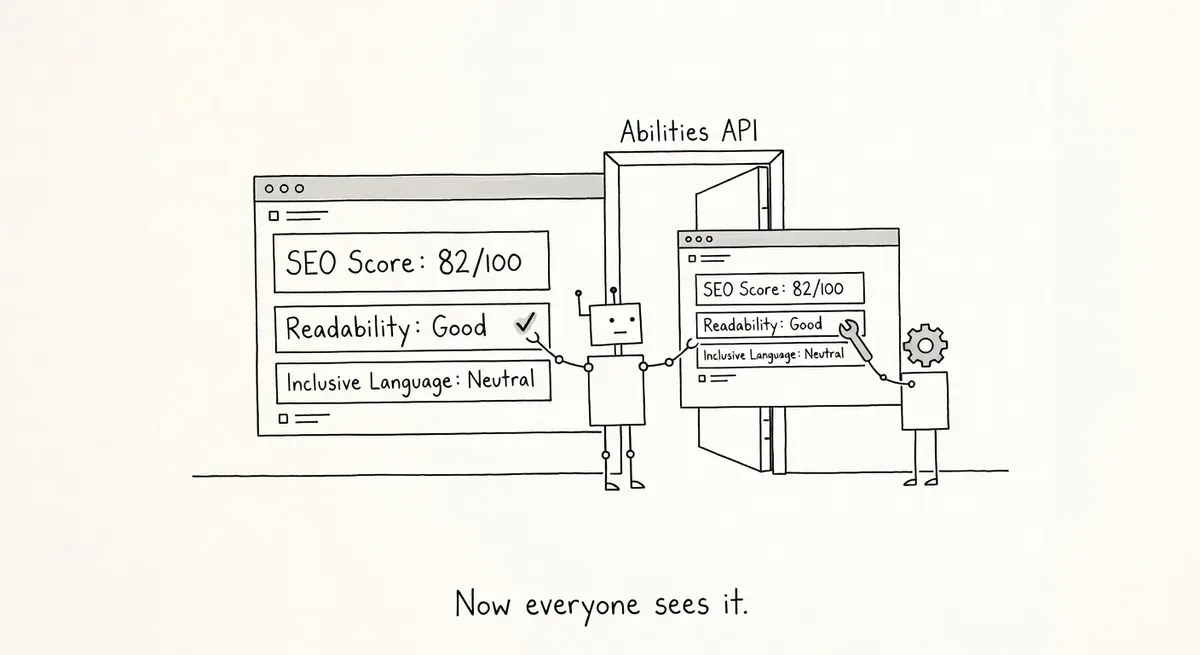
Yoast SEO connected its content scores to the WordPress Abilities API on April 28, 2026. The Abilities API is a registry that arrived with WordPress 6.9. Yoast’s release post says AI assistants, automated workflows and custom dashboards can now find and read three scores for a site’s most recent posts without anyone building a custom connection. The three are the SEO score with its focus keyphrase, the readability score, and the inclusive language score.
The Abilities API gives plugins a standard way to declare what they can do, so outside software can discover those actions and run them without plugin-specific code. Yoast’s developer documentation for the abilities registers one read-only ability per score, each returning results for the most recently modified posts. The documentation does not say how many posts that covers. A tool lists the Yoast abilities from one discovery endpoint and calls each one through the API’s standard /run route:
curl -u "reporting-user:APP_PASSWORD" "https://example.com/wp-json/wp-abilities/v1/abilities?category=yoast-seo"AI assistants reach the abilities through the MCP Adapter, which Yoast’s developer documentation points to. MCP, the Model Context Protocol, is the standard many AI assistants use to call outside tools. WordPress’s announcement of the MCP Adapter describes it as the piece that turns registered abilities into tools an AI agent can discover and call. With the adapter installed, Yoast’s example question, “How is my SEO health looking this week?”, gets an answer built from the site’s real posts.
What the scores can tell an assistant
That answer is narrower than the question. The three scores come from Yoast’s own on-page content analysis, the checks editors see while writing a post. They say nothing about whether Google indexed or ranked the post. An assistant asked about “SEO health” will report how well recent posts pass Yoast’s checks and call that health.
The better use is as a content-quality feed, with crawl and index data coming from elsewhere. A crawler connected to the same assistant, as in the Screaming Frog MCP setup, covers the whole site rather than the latest posts.
The clearest gain is reporting across many sites. Take a made-up example: an agency managing 30 client blogs on WordPress could pull all three scores into one dashboard each week and see which site’s recent posts have slipped, without logging into 30 admin screens or exporting anything by hand.
Watch out for write access
Yoast’s developer documentation also lists abilities to read and to update a single post’s SEO data, which the April post did not mention. Each ability declares hints saying whether it is read-only, destructive, or idempotent (safe to repeat with the same input). An agent with the right credentials can therefore change a post’s SEO data, not only read scores. The write side has since grown: Yoast now lets AI agents rewrite canonicals and robots flags in bulk.
What to do
- Confirm the site runs WordPress 6.9 or later and that Yoast’s indexables (the table of SEO data Yoast builds for each URL) are enabled and fully built. The developer documentation lists both as requirements.
- Call the discovery endpoint above. If the Yoast abilities are missing, check the two requirements in step 1 first.
- Give each external tool its own application password. WordPress records when and from which IP address each password was last used, so one misbehaving tool can be traced and revoked without breaking the others.
- Test what the tool’s account can do on a staging copy before an autonomous agent touches production. The documentation says every ability runs a permission check but does not say which WordPress permission each one needs, so the account’s actual reach is the thing to verify.