SE Ranking MCP server enables agentic SEO via Claude Code
Summary
SE Ranking released an MCP server that connects Claude Code to its platform, enabling agentic workflows that pull keyword research, backlink data, and AI search visibility without manual step-by-step prompting.
Claude Code's multi-step automation sidesteps chat-based AI limits by managing intermediate results in files. SE Ranking's MCP combines traditional SEO metrics with AI search data across ChatGPT, Gemini, and Perplexity, letting practitioners query both in one workflow.
Start with a bounded workflow like competitive gap analysis, audit your project data for freshness, and review sandbox approvals as the agent runs to understand each action.
What happened
SE Ranking has released an MCP server that connects Claude Code to its SEO data platform. The integration gives practitioners access to keyword research, backlink analysis, competitive research, and AI search visibility data through an agentic terminal workflow. The integration uses the Model Context Protocol, an open-source standard for connecting AI applications to external data sources and tools.
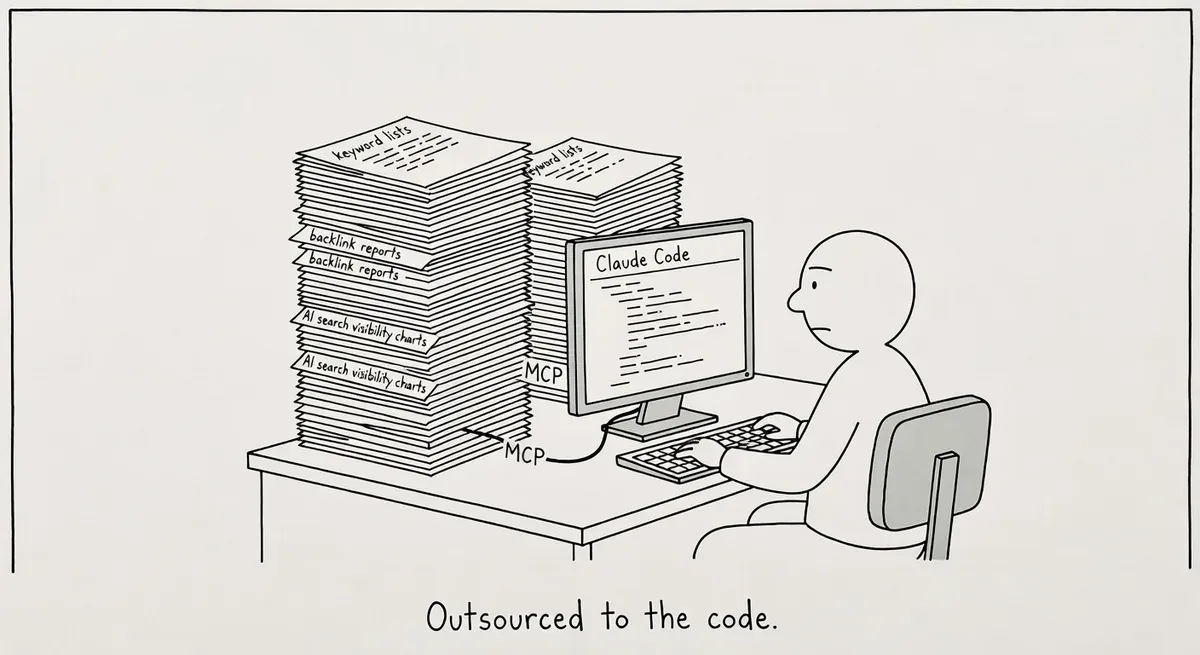
The key distinction SE Ranking draws is between Claude Desktop (a chat interface where you prompt one task at a time) and Claude Code. Claude Code is a terminal-based agent that plans and executes multi-step workflows autonomously. With the MCP connection, Claude Code can pull live SE Ranking data, run analysis, and write results to files without the user managing each step manually.
SE Ranking says the MCP server is read-only. It queries account data but cannot modify projects, campaigns, or settings. Claude Code also runs in a sandboxed environment that requires explicit user approval before writing files or running commands.
Why it matters
The gap between “using AI for SEO” and “automating SEO workflows with AI” is mostly an execution problem. Chat-based AI tools hit a ceiling when a task involves more than a few steps. Context windows overflow, and practitioners end up copy-pasting intermediate results back into the conversation.
Claude Code’s agentic model sidesteps that by saving intermediate results to files and managing its own memory. Pairing it with live SEO data through MCP closes the loop. A practitioner can set an objective like “find keyword gaps, propose article ideas, save everything to files” and review the final output rather than supervising each step.
SE Ranking’s MCP is particularly interesting because it combines traditional SEO metrics with AI search data. The server surfaces brand mention rates across ChatGPT, Gemini, Perplexity, AI Overviews, and AI Mode. Practitioners tracking visibility across both classic and AI search can query both datasets in a single workflow.
The MCP standard itself is gaining traction beyond SE Ranking. The protocol functions as a standardized bridge between AI applications and external systems. SE Ranking’s adoption signals that SEO tool vendors are beginning to build for agentic use cases rather than just chat-based ones.
What to do
Try the setup if you have both accounts. SE Ranking says configuration takes about 10 minutes. You need a SE Ranking account and Claude Code access. Prompts are plain English, not code.
Start with a bounded workflow. SE Ranking’s blog walks through three specific workflows. Pick one that maps to work you already do manually, like competitive keyword gap analysis. Run it through Claude Code and compare the output quality and time savings against your current process.
Audit what data you’re feeding the agent. The MCP pulls from your SE Ranking account data. Make sure your projects and tracked keywords are current before running analysis, or the agent will work from stale inputs.
Check the sandbox approvals. Claude Code asks permission before writing files or running commands. Review each approval request during your first few runs to understand what the agent is doing at each step. You can deny any action that looks wrong.
Consider the Claude desktop app as an alternative. Anthropic’s Claude desktop app supports file reading and project-scoped context without the terminal. If the command line feels like a barrier, the desktop app offers a friendlier entry point for exploring MCP-connected workflows.
Watch out for
Read-only does not mean risk-free. The MCP server cannot modify your SE Ranking account, but Claude Code can still write files to your local system and run commands. The sandbox approval step is your safety net. Do not auto-approve actions during early experimentation.
Context window limits still apply to complex prompts. Claude Code manages memory better than chat by writing to files, but extremely broad objectives can still produce incomplete results. Scope your initial prompts narrowly and expand once you understand how the agent breaks down tasks.