Google says AI agents need real buttons and stable page layouts
Summary
Google's guidance treats AI agents that operate a browser as a real audience. Nearly every fix it asks for is standard accessibility work, so sites with clean accessibility markup have little to change.
Check the accessibility tree on checkout, signup and search flows. Replace clickable divs with real buttons and links, tie each label to its input, and keep the main action in the same place on every template.
Google has published a guide on web.dev, Build agent-friendly websites, that tells developers to design for AI agents acting on a user’s behalf as well as for people. Search Engine Journal’s coverage quotes the guide’s warning that sites built on complex hover states and shifting layouts are “functionally broken for agents.” The guide, by Kasper Kulikowski and Omkar More, explains how agents read a page and lists the markup that helps them.
How an agent reads a page
According to the guide, agents work from a machine-readable version of the page rather than what a person sees on screen. They have three inputs:
- Screenshots. A vision model looks at the rendered page and uses colour, size and position to judge what each element is. Google calls this slow and expensive in tokens.
- Raw HTML. The DOM’s nesting tells the agent how elements relate. A “Buy now” button inside a product container is read as belonging to that product.
- The accessibility tree. The browser’s built-in summary of the DOM lists the role, name and state of each interactive element, the same summary screen readers use. Google calls it a “high-fidelity map.”
Modern agents combine these inputs, the guide says. They take a clean list of interactive elements from the DOM and the accessibility tree, then check it against the screenshot for layout and grouping. A <div> made clickable with CSS and JavaScript gives that process little to work with. It has no button role in the DOM or the accessibility tree, so the agent has to guess from visual cues whether it does anything.
The fixes Google lists
The guide’s recommendations target that gap:
- Use
<button>and<a>for anything a user can act on. If that is not possible, addroleandtabindex, for example<div role="button">. - Link every
<label>to its input with theforattribute, so the agent knows what a field is for. - Set
cursor: pointeron clickable elements, which Google calls a strong signal that something is actionable. - Keep every control needed to finish a task visible and larger than 8 square pixels, or visual analysis may filter it out.
- Avoid transparent overlays on top of interactive elements. Visual analysis can drop the covered element even though the overlay is invisible.
- Keep layouts stable. Google’s example is an “Add to cart” button that sits in a different place for each product category.
The layout point is not the same as Cumulative Layout Shift (CLS). Google’s CLS documentation measures unexpected movement during a single page’s life, with 0.1 or less counted as good. CLS never compares one template with another, so a site can pass CLS and still move its main button from category to category.
What this means
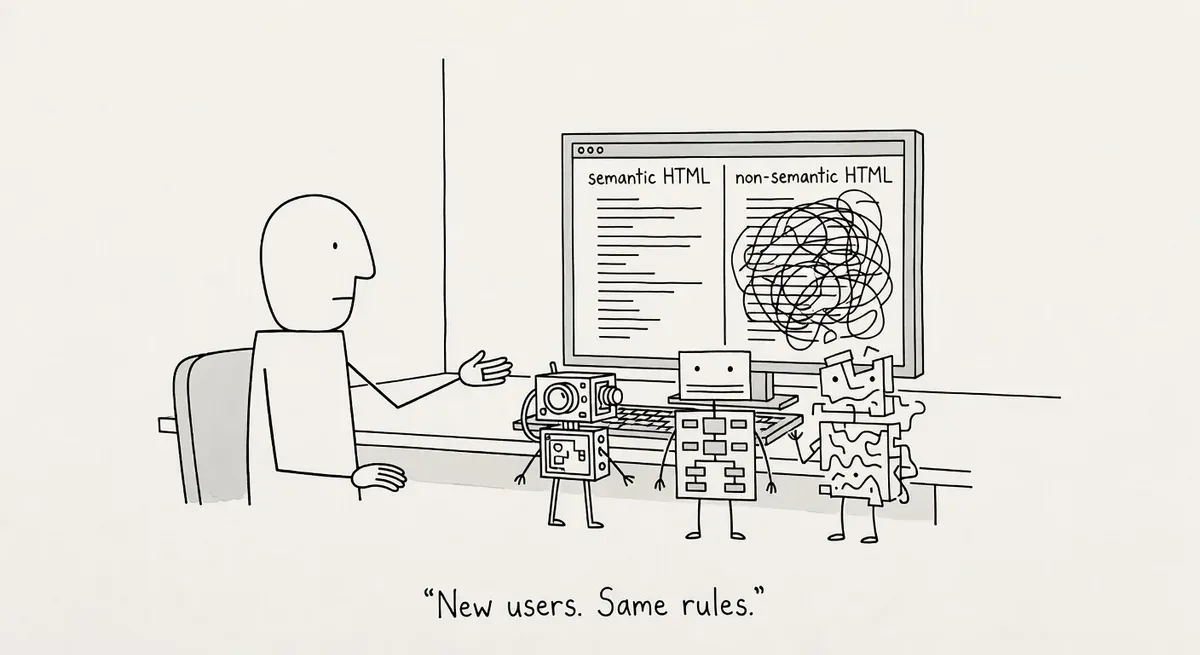
Almost every item on the list is ordinary accessibility practice. The guide says so itself: “Everything we suggest to make a site ‘agent-ready’ also makes sites better for humans.” The W3C’s introduction to web accessibility already makes a similar case for search engines, which benefit from alt text and transcripts along with people who rely on assistive technology. The better bet is to treat Google’s guide as a new reason to fund accessibility work, not as a new optimization discipline.
The advice also matters more for some bots than others. It is written for agents that drive a browser and complete tasks, such as filling in a form or adding an item to a cart. Training crawlers and on-request fetchers pull HTML to read it, not to click through it, so button and label markup does little for them.
The guide ends by pointing to WebMCP, a proposed standard that lets a site declare tools with defined inputs that agents can call directly. The guide says the APIs are available to try in production in Chrome through an origin trial. Most sites can wait on WebMCP until the basic markup is right.
What to do
- Open the accessibility tree for your checkout, signup and search flows in Chrome DevTools, under the Accessibility pane in the Elements panel. Every control should show a role such as button or link, plus a readable name.
- Replace clickable divs and spans, and tie labels to inputs:
<!-- Before: an agent sees a div -->
<div class="btn" onclick="addToCart()">Add to cart</div>

<!-- After -->
<button type="button" onclick="addToCart()">Add to cart</button>

<label for="zip">ZIP code</label>
<input id="zip" name="zip">- Compare where the primary action sits across your product and category templates, and move it to one consistent position.
- Run the agentic browsing audits in Lighthouse 13.3 to catch what a manual pass misses.