AI agents built on Cloudflare may never run your JavaScript
Summary
Whether an AI agent runs a page's JavaScript now depends on how its builder set up the agent, not on which model sits behind it. Cloudflare's new agent toolkit treats the headless browser as an optional add-on, and OpenAI leaves the execution setup to the developer.
Sites that inject content or JSON-LD with client-side JavaScript should check what a plain HTTP fetch returns and move the facts agents need into server-rendered HTML.
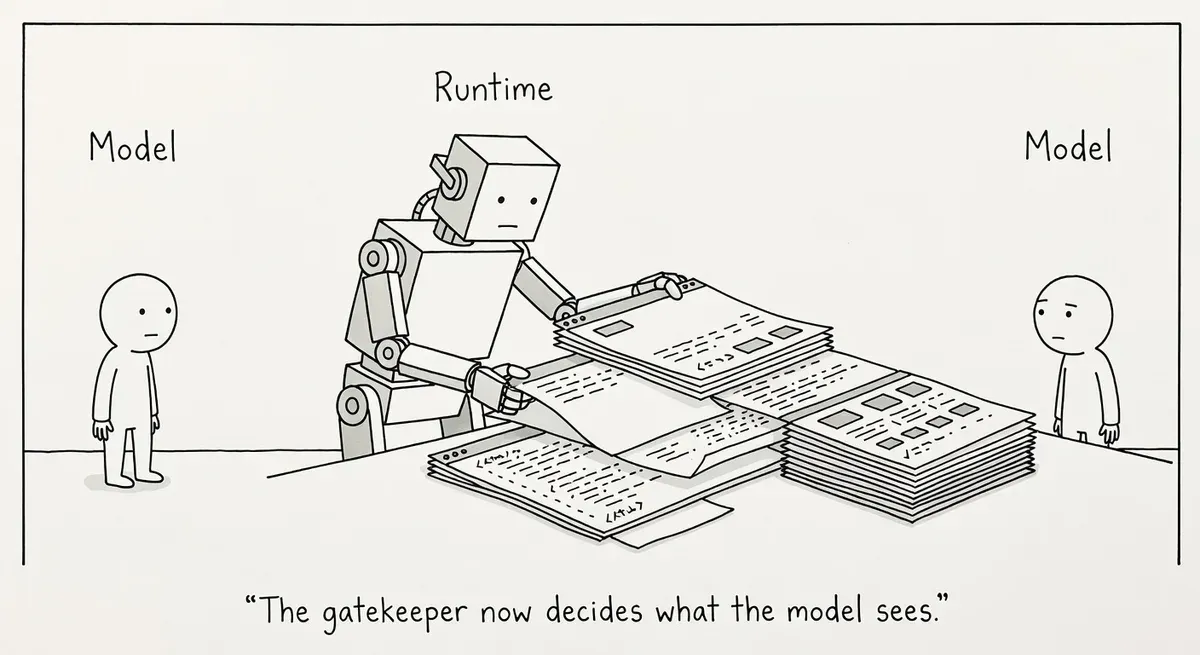
Search Engine Journal’s piece argues that AI models no longer read websites directly. They read whatever the agent runtime hands them. An agent runtime is the software that runs an agent: it fetches pages, executes code, and keeps state between steps, then passes the results to the model. The piece points to Project Think, the next generation of Cloudflare’s Agents SDK, released on April 15. In Project Think a headless browser is an optional extra.
Cloudflare’s post calls the design an “execution ladder” of five tiers, each adding a capability:
- Tier 0, workspace: read, write, search and diff files.
- Tier 1, Dynamic Worker: JavaScript written by the model, run in a sandboxed isolate with no network access.
- Tier 2, npm: fetch packages from the npm registry and load them into that isolate.
- Tier 3, browser: a headless browser through Cloudflare Browser Run that can “navigate, click, extract, screenshot.”
- Tier 4, sandbox: full operating system access, for cloning repositories and running builds and tests.
Cloudflare states the principle plainly: “the agent should be useful at Tier 0 alone, where each tier is additive.” The post presents the browser as the tool for services that do not yet support agents through MCP or an API. MCP, the Model Context Protocol, is a standard way for a site or app to expose actions to AI agents.
Rendering is the builder’s choice
Whether an agent sees content that JavaScript adds after page load is decided by the developer who configured it. Search Engine Journal’s piece puts it in one line: “The runtime executed (or did not execute) your JavaScript.” OpenAI’s Agents documentation leaves the same choice to the builder. Tools are whatever the application configures, and the execution environment can be an OpenAI-hosted sandbox, a self-hosted one, or none at all.
An agent without the browser tier most likely reads a page through whatever fetch tool or API its builder wired in. A plain HTTP fetch returns the server’s HTML without running any scripts, so any schema or copy that only exists after JavaScript runs is missing from that response.
Take a made-up example. A retailer’s product template adds its Product JSON-LD, price and stock status through a tag manager after load. An agent with the browser tier switched on would see all of it. An agent built on tiers 0 to 2 with a simple fetch tool would get a page with no price and no structured data, and would have nothing to compare when a user asks it to find the cheapest option.
The exposure sits mainly with custom agents that developers build on these SDKs. Training crawlers and AI search bots are run by the AI companies themselves, and nothing in Cloudflare’s post describes a change to how they fetch.
What to do
- Fetch your key templates without a browser and check what comes back. The Elements panel in DevTools shows the page after JavaScript has run, so it hides the problem. A count of zero from the command below, on a page that shows schema in the browser, means a script injects the markup.
curl -s https://example.com/product/123 | grep -c 'application/ld+json'-
Move JSON-LD, prices, availability and main copy into the server-rendered HTML. Check tag-manager containers first, since anything they add appears only after a browser runs the script.
-
For tasks an agent might complete on your site, such as booking or checkout, consider an API or MCP endpoint that returns structured responses. Cloudflare’s post treats the browser as the fallback for services without one.