Google tests Gemini 3 model selector in the search bar
Summary
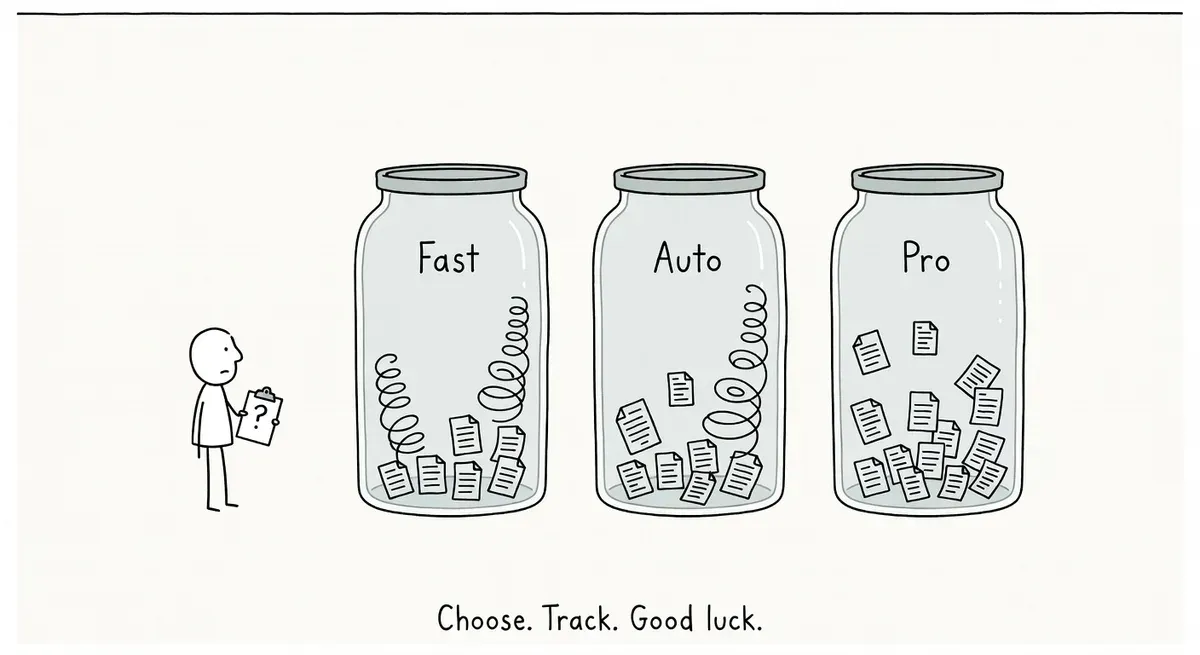
Google is testing a model selector in search that lets users choose between Gemini 3 Pro, Fast, and Auto variants before running queries.
Different models may cite different sources for the same query, creating a new variable for AI Overview tracking that practitioners need to monitor across variants.
If the feature ships, test your top queries through each model option to identify citation patterns and keep following standard SEO fundamentals.
What happened
Google is testing a new search bar feature that lets users pick which Gemini 3 model they want to use. SE Roundtable reported on May 6 that the options include Pro, Fast, and Auto.
The test was first spotted by Sachin Patel on X, then confirmed by Gagan Ghotra with a slightly different version of the UI. Barry Schwartz noted he could not replicate the feature himself, suggesting it is a limited test.
The model selector appears alongside previously seen options like “create images” and “deep search.” The new element is specifically the ability to choose a Gemini 3 model variant before running a query.
Why it matters
If this feature rolls out broadly, it would give users direct control over the AI model powering their search results. That changes the dynamic for SEOs in a few ways.
The “Fast” option likely prioritizes speed over depth, which could mean shorter or simpler AI-generated answers with fewer source citations. The “Pro” option may produce more detailed responses that pull from more pages. If users can toggle between these, the same query could surface different sites depending on which model is selected.
For practitioners tracking AI Overview appearances, model selection adds a new variable. A page that gets cited in a Pro response might not appear in a Fast response, or vice versa. Monitoring tools would need to account for this if it ships.
Google’s own AI features documentation states there are no special requirements to appear in AI Overviews or AI Mode beyond following fundamental SEO best practices. That guidance has not changed with this test. The documentation also notes that AI Overviews are designed to show up on queries where they add value beyond standard results, and that they drive visits to a greater diversity of websites.
The model selector also signals Google is moving toward giving users more transparency about which AI is generating their results. Search has historically been a black box. Letting users pick “Pro” vs. “Fast” acknowledges that different models produce different outputs.
What to do
No immediate action is needed. The feature is in limited testing and may never roll out.
If it does ship, consider these steps:
- Check your AI Overview tracking setup. If your monitoring tools report AI Overview citations, confirm whether they can distinguish between model variants. Search Console’s performance reports track impressions and clicks for search features, but do not currently break data down by AI model.
- Test your key queries manually. If you gain access to the model selector, run your top queries through each option (Pro, Fast, Auto) and compare which sources get cited. Look for patterns in whether Pro favors longer-form content or more authoritative domains.
- Keep following standard SEO fundamentals. Google’s documentation is clear that no special steps are required for AI feature visibility. Creating well-structured, accurate content remains the baseline.
Watch out for
Inconsistent citation tracking. If different Gemini 3 models cite different sources for the same query, any single-snapshot monitoring approach will miss part of the picture. You may need to run checks against multiple model settings once the feature is available.
Assuming Fast means less traffic. A faster, shorter AI response does not necessarily mean fewer clicks to your site. Shorter answers may actually drive more click-through if users want more detail than the summary provides.