Pages that rank on Google can still be invisible to AI search
Summary
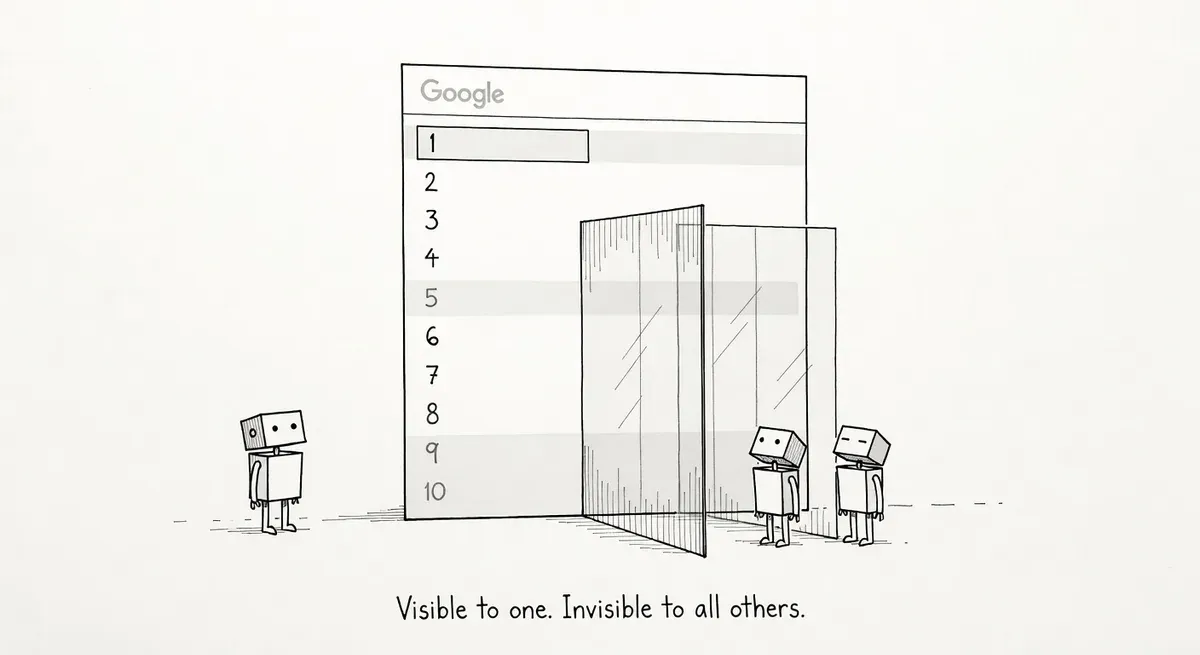
A Google ranking says little about whether AI search can read a page. Googlebot renders JavaScript; many AI crawlers do not, and robots.txt rules or CDN bot filters can turn them away before they read anything.
Treat the AI search audit as a separate job. Check edge logs and robots.txt for AI user agents, load key templates with JavaScript off, then query ChatGPT Search, Perplexity and AI Overviews directly.
A page can rank on page one of Google and still be missing from the answers ChatGPT, Perplexity and Google’s AI Overviews give, according to iPullRank’s AI search audit framework. IPullRank, a digital marketing agency, argues that the signals behind a Google ranking are not the ones AI search systems use to retrieve, parse and cite a page. An audit built around Google can therefore report a healthy page that AI search never sees.
The gap is mostly mechanical. Google’s How Search Works guide says Googlebot renders each page during the crawl and runs its JavaScript in a recent version of Chrome. Many AI search engines rely on their own crawlers or on third-party data pipelines that may not render JavaScript at all. Those crawlers may also follow different robots.txt directives, or extract content in ways that miss key information. A crawler that skips rendering reads only the HTML the server sends.
Where Google and AI search come apart
Google visibility and AI visibility come apart in three places:
- Rendering. With client-side rendering (the browser builds the page from JavaScript instead of receiving ready HTML), Googlebot still sees the content because Google renders it. A crawler that does not run JavaScript gets an empty or partial page.
- Crawl access. AI crawlers use different user agents from Googlebot. A robots.txt file that blocks GPTBot or PerplexityBot, or never mentions them, keeps AI search away from content Google indexes normally. Some CDNs and bot management tools also classify AI crawlers as scrapers and turn them away at the edge, before the request reaches the server.
- Structured data. iPullRank’s audit includes structured data. AI search engines may use Schema.org markup as a primary way to extract content rather than as a supplementary signal. Pages without clear markup may be harder for them to parse and cite accurately.
Rendering and access decide whether the crawler receives the content at all, so they come first. The structured data point rests on a “may”, and a separate Ahrefs study found JSON-LD schema did not boost AI citations. Markup injected by JavaScript also has the same rendering problem as the body text. No markup helps a page the crawler never got.
Take a made-up example. A SaaS company builds its documentation as a single-page app. Googlebot renders it, the setup guide ranks in the top three for its product query, and every Google report looks fine. Fetched without JavaScript, the same URL returns a header, an empty container and a script tag. An AI crawler that does not render finds no guide to cite, and nothing in the Google-focused audit flags the problem. E-commerce product pages, SaaS documentation and publishers with complex front ends carry the most risk, along with sites that have not touched robots.txt since AI crawlers appeared.
What to do
Start with the pages that earn the most traffic and revenue, and work through these checks in order.
- Check CDN and WAF (web application firewall) logs to confirm AI user agents get 200 responses rather than 403s. An edge block overrides whatever robots.txt allows.
- Name AI user agents in robots.txt. The main ones are OAI-SearchBot, GPTBot, Google-Extended, PerplexityBot, Amazonbot, ClaudeBot and Bytespider. They do different jobs. Retrieval crawlers such as OAI-SearchBot (for ChatGPT Search) and PerplexityBot fetch pages for AI search answers. Training crawlers such as GPTBot and Google-Extended affect what a model learns, but they do not directly control whether a page appears in AI search results. A site that wants AI search visibility without training use might write:
User-agent: OAI-SearchBot
Allow: /

User-agent: PerplexityBot
Allow: /

User-agent: GPTBot
Disallow: /

User-agent: Google-Extended
Disallow: /- Load key templates with JavaScript disabled. If article bodies or product details disappear, crawlers that do not render lose them too. Server-side or static rendering fixes the problem at the architecture level, and web.dev’s Rendering on the Web guide recommends those approaches over full rehydration.
- Put structured data in the served HTML, describing the content type, author, dates and key entities.
- Query AI search directly. Most AI search engines have no equivalent of Search Console, so manual checks in ChatGPT Search, Perplexity and AI Overviews are still necessary, and it helps to note which competitors get cited. A single check can mislead, since commercial AI visibility tools report conflicting numbers for the same site.
Run the AI search audit as its own workstream rather than as a section of the usual SEO audit. Google’s reports cannot show whether an AI crawler received the page.