Mueller: odd canonical picks often trace to what Googlebot saw
Summary
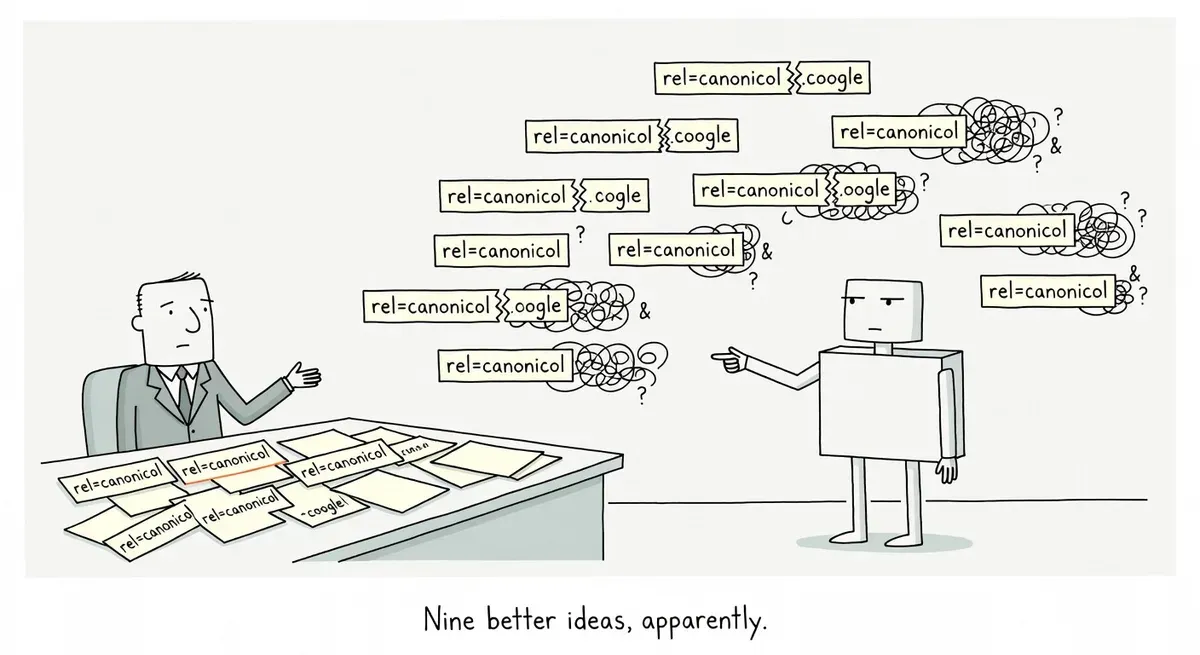
When Google picks a canonical that makes no sense, Google's John Mueller says the cause is often the page Googlebot actually received. That can be the mobile version, a bot challenge, or an unrendered JavaScript shell. No tool reports the reason, so the check is manual.
Inspect the odd URL the way Googlebot smartphone sees it, rendered, and fix what Googlebot gets before assuming Google misjudged the content. Parameter URLs where one value changes the page deserve a spot check too.
Google Search Advocate John Mueller, answering a question on Reddit, listed the reasons Google decides two URLs are duplicates and folds one into the other. Search Engine Journal’s writeup collects his full reply. The content reasons are familiar. The reasons he says throw people off are about the page Googlebot received, which is often not the page the site owner checked.
Mueller also said that no tool tells you why a URL was considered a duplicate. Diagnosing an unexpected canonical means working back from his list.
Duplicate by content, or by URL pattern
Mueller gave three reasons that come from the content itself:
- Exact duplicates, where everything on both pages matches.
- Partial matches, where a large part overlaps, such as the same post published on two blogs.
- Too little unique content, such as a giant menu wrapped around a tiny blog post.
A fourth reason is harder to see from the page. When Google has found that /page?tmp=1234 and /page?tmp=3458 return the same content, it may assume /page?tmp=9339 does too. Mueller said this guess can go wrong once a second parameter is involved: /page?tmp=1234&city=detroit and /page?tmp=2123&city=chicago may get treated as duplicates even though the city changes the page.
Google compares a different page than you do
Mueller named two things he has seen confuse people. Google uses the mobile version, while people generally check on desktop. Google also uses whatever Googlebot was served. If Googlebot gets a bot challenge or some other pseudo-error page, Google has probably seen that page before and may treat the URL as a duplicate of it.
Rendering adds a third gap. Google compares the rendered page, so a site whose content comes from a JavaScript framework has to render successfully for Googlebot. If rendering fails, Mueller said, Google may fall back to the bootstrap HTML, the near-empty shell the framework sends before its scripts run. That shell is often the same from page to page, so Google may treat it as a duplicate.
Take a made-up example: a store turns on bot protection, and the protection serves a challenge page to Googlebot on a few hundred product URLs. To staff checking in a desktop browser, every product page looks fine. To Google, those URLs all return the same challenge page, so they look like copies of each other and of any other URL that returned the same challenge. A related failure with shared JavaScript error pages has led Google to index another site’s URL instead.
Mueller closed by saying the systems are not perfect. Some wrong picks settle down over time and some do not, and he said it is rare for Google to escalate a wrong duplicate. He added that most of the odd cases are harmless and often turn out to be an error page that is hard to spot. The better bet, when Google picks a canonical that makes no sense, is to assume Googlebot saw something different before assuming Google misjudged the content.
What to do
- Look at the URL as Googlebot smartphone sees it. The URL Inspection tool in Search Console shows the Google-selected canonical, and its live test shows the rendered HTML and a screenshot. A challenge page, an error page, or an empty shell there is the likely cause.
- Check bot protection and firewall rules for challenges or block pages served to Googlebot.
- On JavaScript sites, make sure the main content renders for Googlebot. Google’s documentation on consolidating duplicate URLs also says to put the canonical in the HTML source and not let JavaScript change it.
- Spot-check parameter URLs where one value changes the content, like the city example, since Google may be judging them by pattern. Link internally to the URL you want as canonical, which Google’s documentation says helps it understand your preference.
- Make your signals agree. Google ranks redirects and rel=“canonical” as strong signals and sitemap inclusion as weak, and warns against naming one URL in the sitemap and a different one in rel=“canonical” for the same page.