Cloudflare will write robots.txt for new domains by default
Summary
Cloudflare's Bot Preference Sync turns dashboard AI bot policy into robots.txt rules and prepends them above your own. Cloudflare says it is on by default for new customers, and since September 15 new ad-supported domains default to Disallow AI Training.
Three categories cannot express a per-crawler policy, and Cloudflare's own answer is to turn the sync off and maintain the file yourself. If you refuse training but still want Google, Bing and Apple search, pick Disallow AI Training, not Block.
What happened
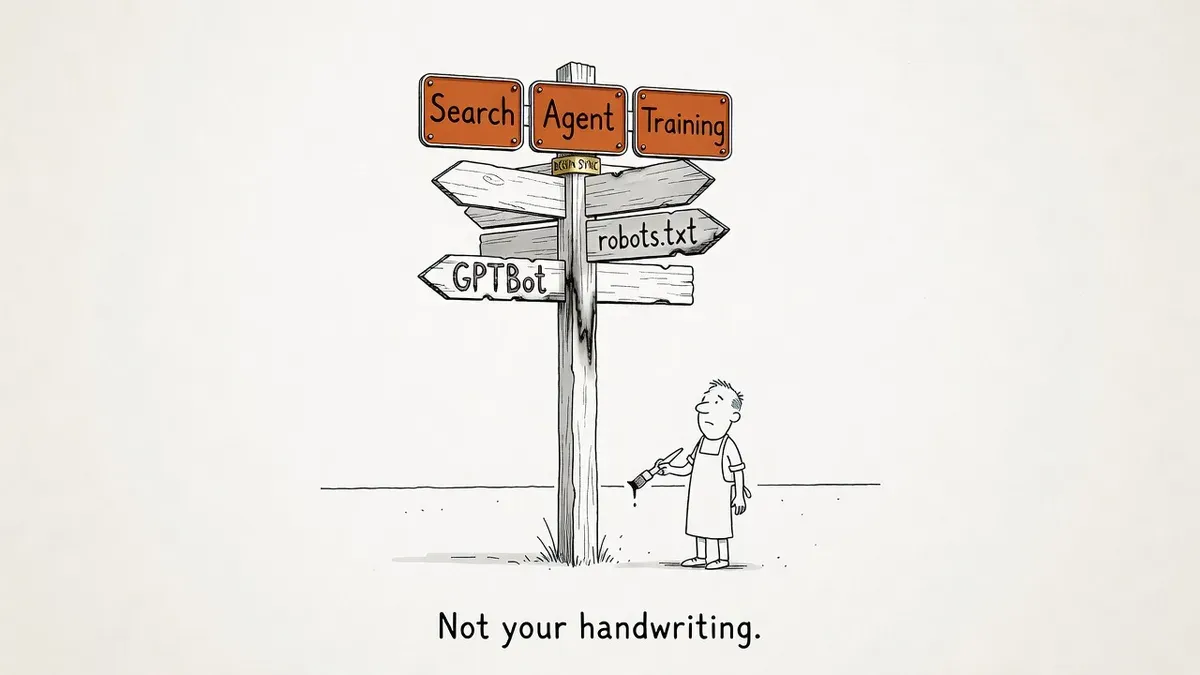
Cloudflare’s Bot Preference Sync writes your robots.txt for you. Whatever AI bot policy you set in the dashboard is converted into robots.txt rules and prepended to your file, inside # BEGIN Cloudflare Bot Preference Sync and # END Cloudflare Bot Preference Sync markers, with your existing rules preserved underneath. Cloudflare’s announcement says it runs from the free tier to Enterprise and will be on by default for all new customers.
The generated rules come from three settings under Security Settings, Configure AI bot policies: Search, Agent and Training. Cloudflare’s documentation on blocking AI bots gives all three the same options: block on all pages, block only on pages with ads, or allow. The announcement adds a fourth position for Training, Disallow AI Training, which writes a no-training line into the file. The docs do not mention the sync at all.
The defaults changed on September 15. Cloudflare’s follow-up post makes Disallow AI Training plus Agent blocked on pages with ads the recommended configuration for new ad-supported domains. Before that date, a new customer who set nothing got no blocks at all.
A column in Search Engine Journal, written before the follow-up, flagged the gap between announcement and shipped product: as of September 13 there was no Bot Preference Sync entry in Cloudflare’s bots changelog, no mention in the bots documentation, and no generated block on the author’s own robots.txt.
Why it matters
The sites most exposed are the ones that never open robots.txt again, because the position written for them is still a public statement about AI training made in their name.
Cloudflare’s tracked bot list decides which crawler falls into which category, and you cannot exclude an individual bot from the sync.
Per-company policy is the case that breaks. The SEJ author allows GPTBot, Anthropic’s crawler and PerplexityBot while blocking Bytespider and meta-externalagent. All five companies train models, so no combination of three settings describes the split.
Disallowing Training does more than write a no-training line. It also blocks every AI crawler Cloudflare judges opaque, measured against four conditions for crawlers that do both search and training:
- The crawler must respect a “no training” preference in robots.txt, by any mechanism.
- It must give site owners a way to opt out of AI summaries.
- It must provide URL-level visibility into which pages were made available for training, plus metrics on search results.
- It must show publicly that disallowing training does not hurt traditional search results.
SEJ argued Google had no answer for the second condition, since its only AI-summary controls, nosnippet, data-nosnippet, max-snippet and noindex, limit ordinary search snippets too. Cloudflare’s follow-up designated Apple, Google and Microsoft as Accountable anyway. It cites a toggle in Google’s webmaster portal that excludes a site from generative search results, and Microsoft’s NOARCHIVE tag, which since 2023 has kept content out of Bing Chat answers while leaving it in the index.
The terms were written by a vendor and enforced on that vendor’s network, the same shape as Cloudflare’s earlier move to enforce canonical tags as 301s for AI crawlers.
What to do
Three checks take about 10 minutes, per SEJ’s column. Read your live robots.txt first, including rules you wrote years ago and have not opened since.
Then open Security Settings, Configure AI bot policies, and compare. If they disagree, you have the mismatch the sync exists to close, and you pick which side is wrong.
Next, decide whether three categories can carry your policy. “Open to everyone” or “closed to training” fits, and the sync saves you a recurring job. Per-company policy does not fit, and the move is to switch the sync off and keep writing the file yourself.
To stop training without losing Google, Bing or Apple search, pick Disallow AI Training rather than Block. Block applies to every training crawler, mixed-use ones included.
The September 15 default is for new domains. Cloudflare says existing customers on the legacy managed robots.txt feature will be prompted to review their preferences. Read that prompt. When a generated block appears above your rules, diff it against what you expected.
Watch out for
The onboarding question sets your AI training policy. Selecting “I monetize from pages with ads on this domain” during Cloudflare onboarding sets Training to Disallow. A question about your business model becomes a published position in robots.txt.
Block and Disallow AI Training are different settings. Block and Block on pages with ads apply to all training crawlers, including the mixed-use crawlers behind Google, Bing and Apple search. Disallow AI Training keeps those Accountable crawlers allowed for search and blocks every other training crawler.
Generated lines are not enforcement. The prepended rules are a request, and the block still happens at the edge. Crawlers that ignore robots.txt outright are unaffected by anything the sync writes.