Screaming Frog Log File Analyser 7.0 verifies AI bot identity
Summary
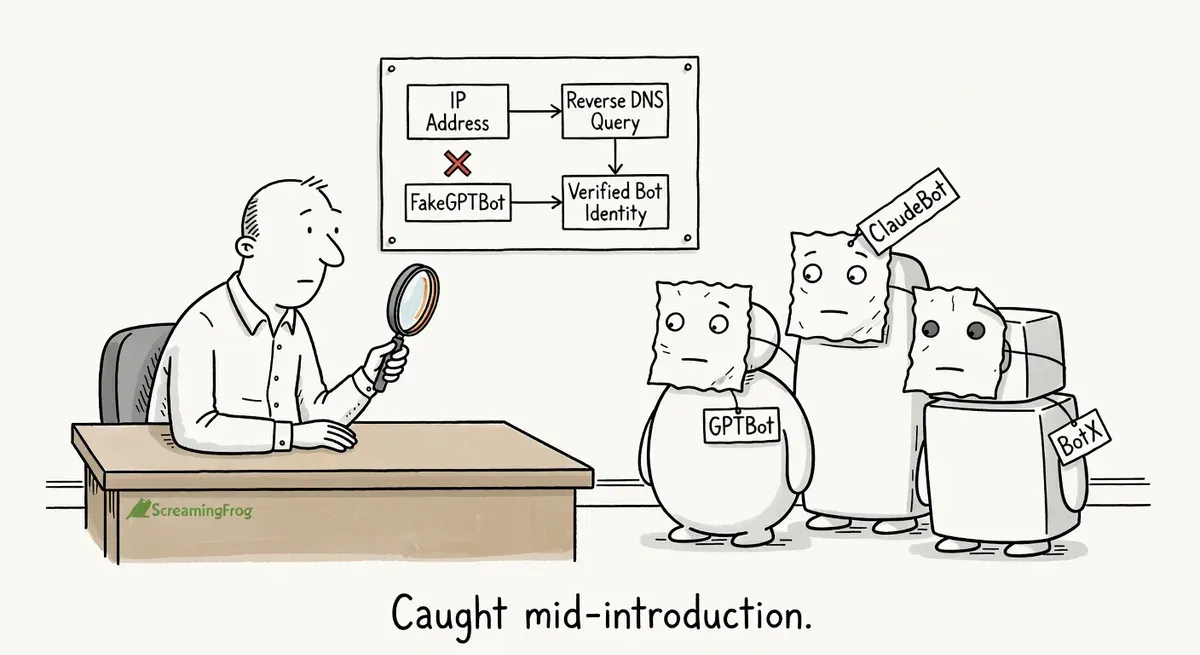
Screaming Frog Log File Analyser 7.0 adds bot verification for AI crawlers, letting you confirm whether requests are genuine using IP ranges, reverse DNS, or ASN lookups.
AI bot traffic is growing and spoofed bots are common, but most providers publish verification methods like Google does for Googlebot. The new customizable verification feature and user agent grouping make it practical to track crawl budget across bot types without manual effort.
After upgrading, enable bot verification in Project settings, turn on unknown user agent discovery to catch new crawlers, and use the new time series charts to monitor traffic patterns over time.
What happened
Screaming Frog released Log File Analyser 7.0 on April 29, 2026 with bot verification for AI crawlers as the headline feature. The update lets practitioners confirm whether an AI bot hitting their server is genuine or spoofed, using the same verification flow that already existed for search engine bots like Googlebot.
The release also includes user agent grouping, customizable verification methods, unknown user agent discovery, project import/export, Google Sheets export, and new time series charts.
Why it matters
AI bot traffic is growing, and so is the number of user agents claiming to be AI crawlers. Until now, verifying whether a request actually came from the bot it claimed to be was straightforward for search engine crawlers but not for AI bots in the Log File Analyser.
Google publishes JSON files of IP ranges and reverse DNS patterns for verifying its own crawlers. Googlebot verification uses reverse DNS lookups against googlebot.com or geo.googlebot.com domains. AI bot operators like OpenAI, Anthropic, and others publish similar verification methods, but tracking all of them manually is tedious.
The new customizable verification feature is particularly useful. Practitioners can input IP ranges from a JSON URL, configure reverse DNS patterns, use ASN lookups, or define static IP ranges for any user agent. If an AI bot provider changes its verification method, you can update the configuration immediately without waiting for a new Screaming Frog release.
The user agent grouping feature addresses a related pain point. The number of distinct bots crawling any given site has multiplied. Grouping them into categories like “All Search Bots” or “All AI Bots” makes log analysis faster when you’re trying to understand crawl budget consumption across bot types.
The unknown user agent discovery setting also fills a gap. Enabling “Include unknown User Agents” during project setup surfaces bots that don’t match any predefined user agent in your list. These could be scrapers, undocumented AI crawlers, or other automated traffic you might want to monitor or block.
What to do
Verify your AI bot traffic. After uploading log files in version 7.0, run verification via “Project > Verify Bots” to separate genuine AI crawlers from spoofed ones. Filter by verification status to see which bots are real.
Set up custom verification for new bots. When you encounter a new AI bot, check the bot operator’s documentation for their published IP ranges or DNS patterns. Add these as a custom user agent with the appropriate verification method (JSON URL, reverse DNS, ASN, or static IP ranges).
Enable unknown user agent discovery. In the User Agents tab of a new project, turn on “Include unknown User Agents” to catch bots that aren’t in your predefined list. Review these periodically to decide whether to add them to your monitoring list or block them.
Use grouping to track crawl share. The Overview tab now shows top-level statistics by bot group. Check how much of your crawl traffic comes from AI bots versus search bots. The proportion matters for capacity planning and robots.txt decisions.
Try the time series charts for diagnostics. The new lower time series tab across various views shows response codes, bytes, and average response times over time. Use these to spot sudden spikes in bot activity or changes in server response behavior.
Watch out for
Verification is only as good as the published data. If an AI bot operator doesn’t publish IP ranges or DNS patterns, you can’t verify their traffic. Some newer or smaller AI crawlers may not offer any verification method yet.
Unknown user agents can be noisy. Enabling the unknown user agent setting will surface all unrecognized traffic, including browsers with unusual user agent strings. Expect to do some manual filtering before the data is useful.